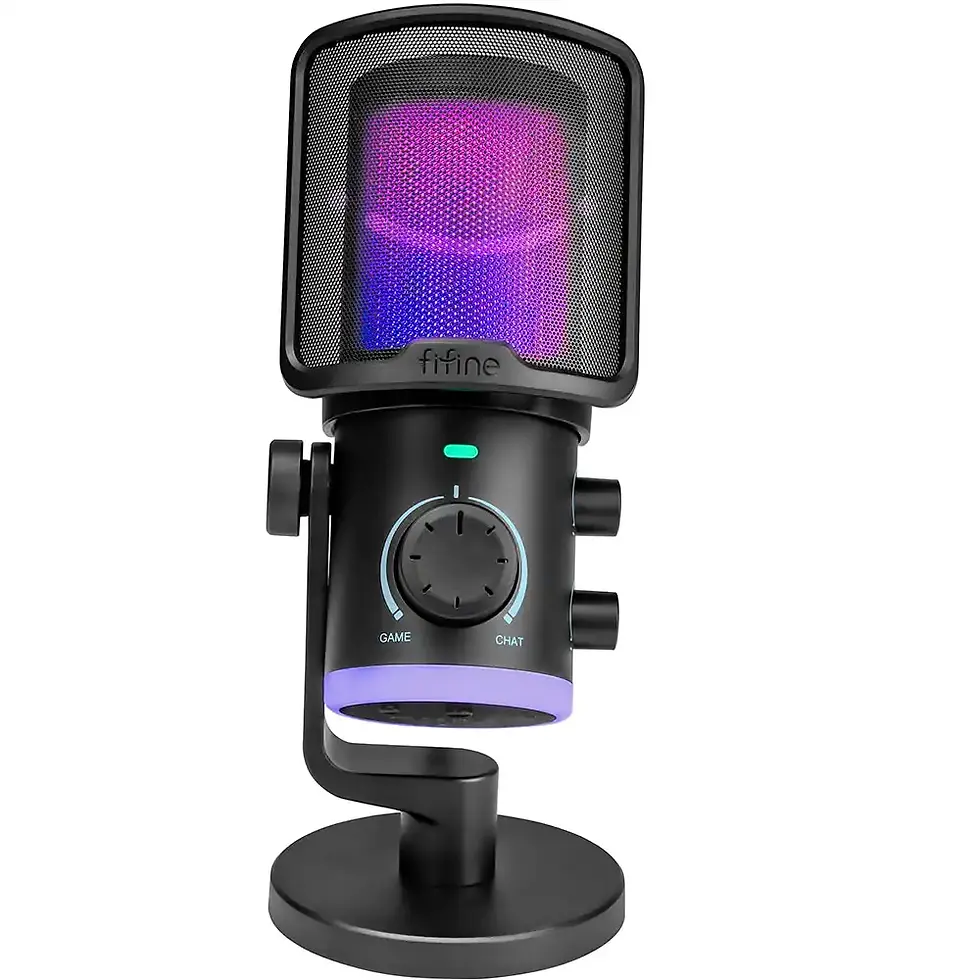
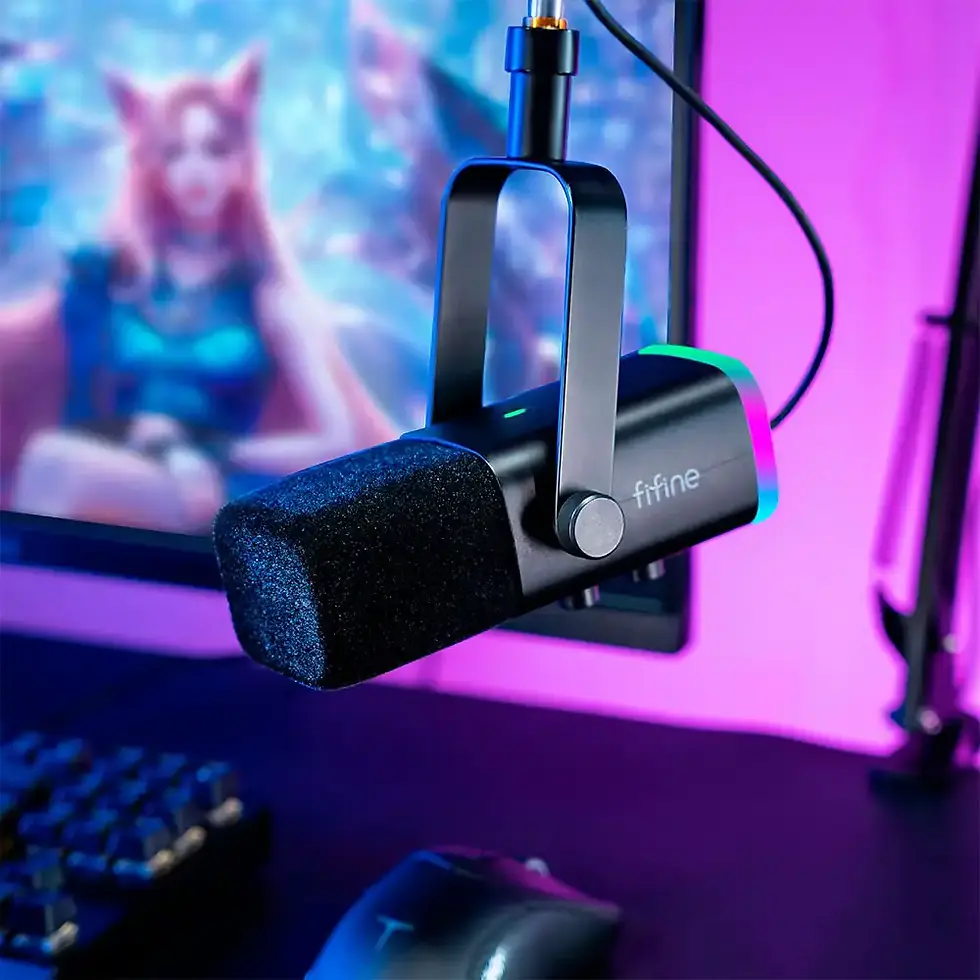
Shure MV6 Gen 2 USB-C Gaming & Streaming Microphone
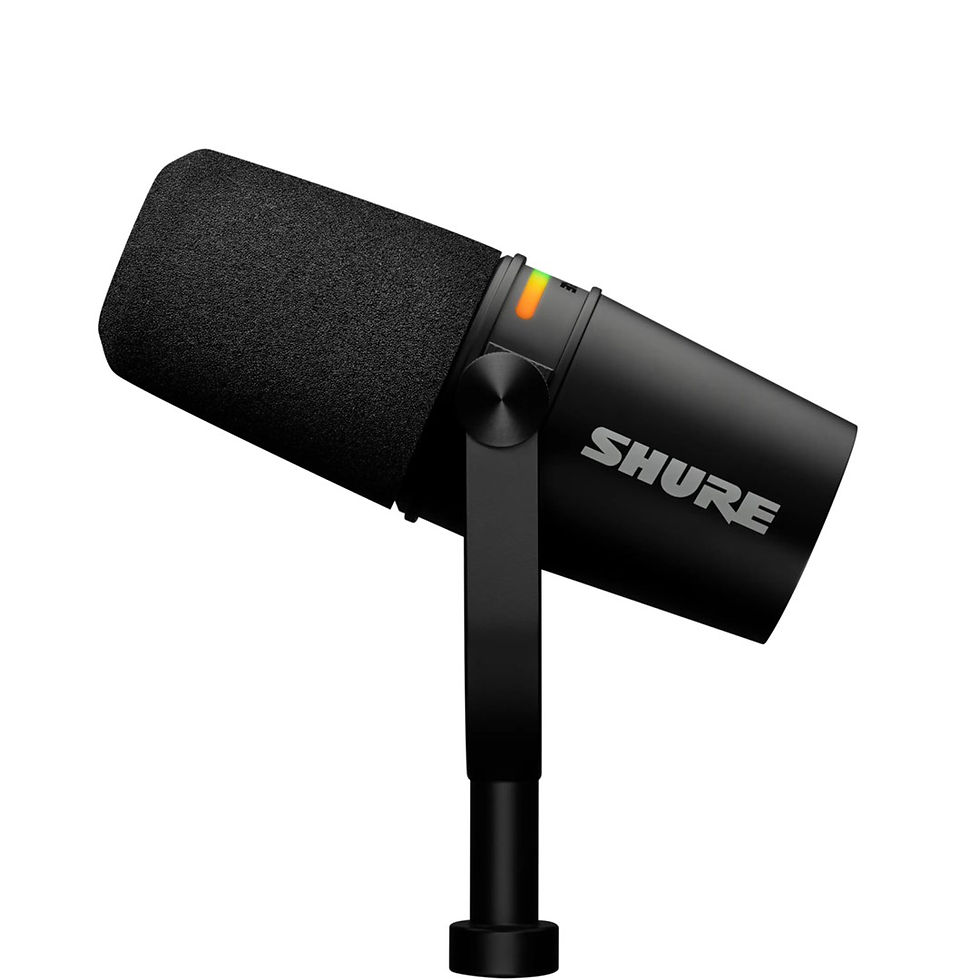
The Shure MV6 Gen 2 is a USB-C dynamic microphone designed for gamers, streamers, podcasters and content creators who want clear, focused voice recording without a complicated audio setup. Combining a cardioid pickup pattern, 24-bit/48 kHz digital audio and convenient USB connectivity, it provides a practical solution for gaming communication, livestreaming, voiceovers and online meetings.
Unlike microphones that capture sound equally from every direction, the Shure MV6 Gen 2 uses a cardioid pickup pattern to prioritize your voice while reducing sound arriving from the sides and rear. Its dynamic microphone design makes it particularly suitable for desktop environments where keyboard clicks, computer fans and other background sounds can interfere with communication.
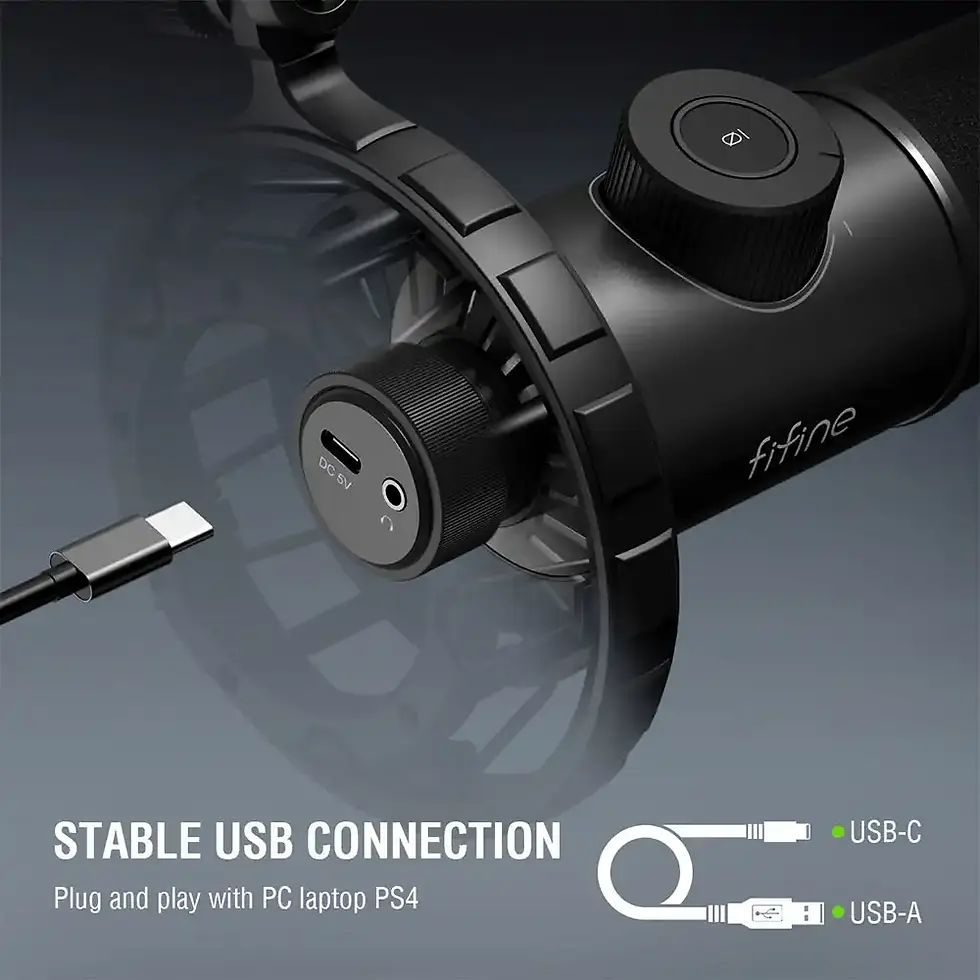
With plug-and-play USB-C connectivity, the MV6 Gen 2 connects directly to compatible computers without requiring a separate audio interface. A built-in 3.5 mm headphone output allows convenient audio monitoring, helping you maintain control over your recording or streaming setup.
The microphone supports 24-bit audio at a 48 kHz sample rate, with a frequency response of 50 Hz–15 kHz and a maximum sound pressure level of 128 dB SPL. Its durable zinc-alloy housing, included desktop stand and 2-metre USB-C cable make it suitable for everyday use at a gaming desk or home studio.
Whether you're coordinating with teammates in Counter-Strike 2, communicating through Discord, recording YouTube commentary or hosting a podcast, the Shure MV6 Gen 2 USB-C microphone offers a straightforward way to improve the quality of your voice recordings.
Clear Voice Capture for Gaming and Streaming
The cardioid dynamic capsule focuses on sound arriving from the front of the microphone, helping reduce unwanted background noise. This is particularly useful for gamers using mechanical keyboards or working near desktop PCs.
USB-C Plug-and-Play Convenience
Connect the microphone directly to a compatible computer through USB-C. No external audio interface or separate microphone preamplifier is required for basic operation.
24-Bit Digital Audio Quality
With 24-bit resolution and a 48 kHz sample rate, the MV6 Gen 2 supports detailed digital voice recording for livestreams, podcasts, video narration and online communication.
Built-In Headphone Monitoring
The integrated 3.5 mm headphone output provides a convenient connection for monitoring audio through compatible headphones, reducing the need for additional desktop audio equipment.
Durable Desktop Design
A zinc-alloy microphone housing provides a solid construction, while the included desktop stand offers a convenient starting point for creating a dedicated recording or gaming setup.
Competitive Gamers: Communicate clearly with teammates in CS2, VALORANT, Apex Legends, Call of Duty and other multiplayer games. The cardioid pickup pattern helps prioritize your voice over surrounding desktop noise.
Twitch and YouTube Streamers: Upgrade from a headset or built-in microphone to a dedicated desktop microphone for livestream commentary and audience interaction.
YouTube Content Creators: Record spoken commentary, tutorials, product demonstrations and gaming videos with a dedicated USB microphone.
Podcasters and Voiceover Creators: Capture spoken audio without investing in a separate XLR audio interface.
Remote Workers: Improve microphone clarity during video conferences, online presentations and professional meetings.
Choosing between a dynamic and condenser microphone is one of the most common questions when upgrading a gaming or streaming setup.
Condenser microphones are often selected for their sensitivity and ability to capture fine acoustic details. However, depending on their pickup pattern, placement and gain settings, they can also capture more unwanted room noise.
Dynamic microphones such as the Shure MV6 Gen 2 are well suited to close-range voice recording. When positioned correctly, they can help emphasize speech while reducing the relative level of distant sounds.
For gamers using mechanical keyboards, desktop PCs and multiple monitors, this makes a dynamic microphone a practical choice.
Important: A cardioid dynamic microphone does not completely eliminate keyboard noise or background sounds. Microphone positioning, speaking distance and input gain remain essential for achieving clear audio.
Beyond its dynamic capsule, the MV6 Gen 2 includes built-in digital signal processing (DSP) designed to simplify voice recording.
Auto Level Mode
Automatically adjusts microphone gain in response to changes in speaking volume and distance, helping maintain more consistent voice levels during gaming and streaming.
Real-Time Denoiser
Helps reduce unwanted background sounds such as computer fans and room noise. Unlike basic microphone noise suppression, the MV6 Gen 2 also provides adjustable denoising through Shure's MOTIV software.
Digital Popper Stopper
Reduces harsh plosive sounds caused by letters such as P and B, helping produce cleaner speech without requiring a separate external pop filter.
Customizable Voice Settings
The Shure MOTIV software provides adjustable sound settings, including equalization and presets for speech, singing and instruments.
These features make the microphone suitable for beginners who prefer automatic audio processing and more experienced creators who want additional control. shure.com
Microphone
- Brand: Shure
- Model: MV6 Gen 2
- Microphone type: Dynamic (moving coil)
- Polar pattern: Cardioid
- Frequency response: 50–15,000 Hz
- Sensitivity: −34.7 dBFS/Pa at 1 kHz
- Maximum SPL: 128 dB
- Audio resolution: 24-bit
- Sample rate: 48 kHz
- Adjustable gain range: 0 to +36 dB
Connectivity
- Connection: Wired USB-C
- Headphone output: 3.5 mm
- Power: USB bus-powered
- Plug and play: Yes
- Included USB-C cable: 2 m
Construction
- Colour: Black / Graphite
- Housing: Die-cast zinc alloy
- Microphone dimensions: 169 × 51 mm
- Dimensions with desktop stand: 295 × 169 × 127 mm
- Weight with stand and base: Approximately 1.29 kg
- Microphone mounting thread: 5/8"-27
Software and compatibility
- Windows: Windows 10 or later, 64-bit
- macOS: macOS 14 or later, 64-bit
- iOS: iOS 17 or later for supported MOTIV apps
- Android: Android 14 or later for supported MOTIV apps, subject to device compatibility
- Desktop software: Shure MOTIV Mix
- Mobile software: Shure MOTIV Audio and MOTIV Video
Specifications verified against Shure's official MV6 Gen 2 documentation.
Is the Shure MV6 Gen 2 good for gaming?
Yes. The Shure MV6 Gen 2 is designed for voice-focused applications such as gaming, streaming and online communication. Its cardioid dynamic capsule prioritizes sound arriving from the front, while built-in audio processing can help reduce unwanted background noise.
It is particularly suitable for gamers who want a dedicated microphone rather than relying on a headset microphone.
Is the Shure MV6 Gen 2 good for streaming on Twitch and YouTube?
Yes. The microphone supports 24-bit/48 kHz digital audio, USB-C connectivity and automatic voice-level adjustment, making it suitable for livestream commentary, gaming videos and spoken content.
Its built-in audio processing is useful for creators who want consistent voice levels without manually adjusting microphone gain throughout a recording.
Does the Shure MV6 Gen 2 reduce keyboard noise?
Yes, it can help reduce keyboard noise, but it cannot eliminate it completely.
The cardioid pickup pattern helps reduce sound arriving from less-sensitive directions, while the microphone's Real-Time Denoiser can further reduce certain background sounds.
For the best results, position the microphone close to your mouth, keep the keyboard farther away and avoid excessively high microphone gain.
Does the Shure MV6 Gen 2 require an audio interface?
No. The MV6 Gen 2 is a USB microphone with built-in digital audio conversion.
It connects directly to a compatible computer using USB-C, so you do not need an external audio interface, mixer or separate microphone preamplifier for normal operation.
Can I connect headphones directly to the Shure MV6 Gen 2?
Yes. The microphone includes a 3.5 mm headphone output.
You can connect compatible wired headphones to monitor audio without needing a separate headphone connection on your computer.
The headphone connection is an output, not an additional microphone input.
Is the Shure MV6 Gen 2 compatible with Discord?
Yes. When connected to a compatible Windows or macOS computer, the MV6 Gen 2 can be selected as an audio input device in Discord.
For optimal performance, select the Shure microphone in Discord's voice settings and check the input level before joining a call.
Can I use the Shure MV6 Gen 2 with OBS Studio?
Yes. The microphone can be used as an audio input in OBS Studio on compatible computers.
This makes it suitable for Twitch streams, YouTube livestreams, gameplay recordings and other OBS-based productions.
Is the Shure MV6 Gen 2 compatible with PS5?
Shure documents the MV6 Gen 2 primarily for supported computer and mobile operating systems. PS5 compatibility should not be assumed without confirmation from Shure or testing with the console.
For customers specifically purchasing a microphone for PlayStation 5, checking console compatibility before ordering is recommended.
Can I use the Shure MV6 Gen 2 with a MacBook?
Yes. The MV6 Gen 2 supports compatible macOS computers.
MacBooks with USB-C connectivity can use the supplied USB-C cable. Compatibility with Shure's desktop software depends on the installed macOS version.
Can I use the Shure MV6 Gen 2 with a smartphone?
The microphone supports compatible Android and iOS devices, subject to their USB audio capabilities, operating system and connection requirements.
Some devices may require an appropriate adapter or cable. Compatibility should be checked for the specific smartphone model.
Does the Shure MV6 Gen 2 need phantom power?
No. The microphone receives power through its USB connection.
Unlike certain XLR microphones, it does not require an external 48 V phantom power supply.
Can I attach the Shure MV6 Gen 2 to a microphone boom arm?
Yes. The microphone supports a standard 5/8"-27 mounting thread, allowing installation on compatible microphone arms and stands.
A boom arm can help free up desk space and position the microphone closer to your mouth.
What is the difference between a USB and XLR microphone?
A USB microphone connects directly to a compatible computer and includes the electronics needed to convert sound into digital audio.
An XLR microphone typically requires an external audio interface or mixer.
The Shure MV6 Gen 2 is a USB microphone, making it convenient for users who want a straightforward recording setup without additional audio equipment.
Is the Shure MV6 Gen 2 suitable for podcasting?
Yes. Its dynamic capsule, cardioid pickup pattern, 24-bit/48 kHz recording capability and USB connectivity make it suitable for podcast recording, interviews conducted online and spoken-word content.
For multi-person podcasts recorded in the same room, separate microphones are generally preferable to sharing one cardioid microphone.
What is included with the Shure MV6 Gen 2?
The supplied package includes the microphone, desktop stand and a 2-metre USB-C cable.
This allows users to establish a basic desktop recording setup without purchasing a separate microphone stand.
Is the Shure MV6 Gen 2 Worth Buying?
The Shure MV6 Gen 2 is a strong option for gamers and creators looking for a dedicated USB microphone with automatic audio processing, close-range voice capture and convenient headphone monitoring.
Its main advantage is the combination of a dynamic cardioid microphone, USB-C connectivity and integrated voice-processing features in one desktop solution.
For users who want to improve Discord communication, livestream commentary, podcast recordings or YouTube voiceovers without investing in a separate audio interface, the MV6 Gen 2 offers a practical starting point.
However, users who require an XLR connection, multiple microphone inputs or advanced hardware mixing capabilities may prefer a more specialized audio setup.