
Desk Accessories & Organizers
Desk accessories and organisers help keep your workspace clean, structured and easy to manage throughout the day. From desk pads and mouse pads to cable management solutions and storage organisers, the right setup reduces clutter and improves everyday efficiency.
Suitable for both home and office environments, these accessories support a more organised workspace and a smoother workflow without adding unnecessary complexity.






How to Choose the Right Desk accessories
Before buying, think about how you work, how much space you have on the desk, and whether you prefer a minimal or fully equipped setup. Focus on accessories that improve comfort, cable management, and protection of your desk surface while matching your personal style.
1. Define your workspace goals
Decide what matters most: a clean minimal look, maximum organisation, improved comfort, or all of the above. This will help you prioritise between desk pads, organizers, cable management, stands, and decorative items.
2. Choose the right desk pad or mouse pad
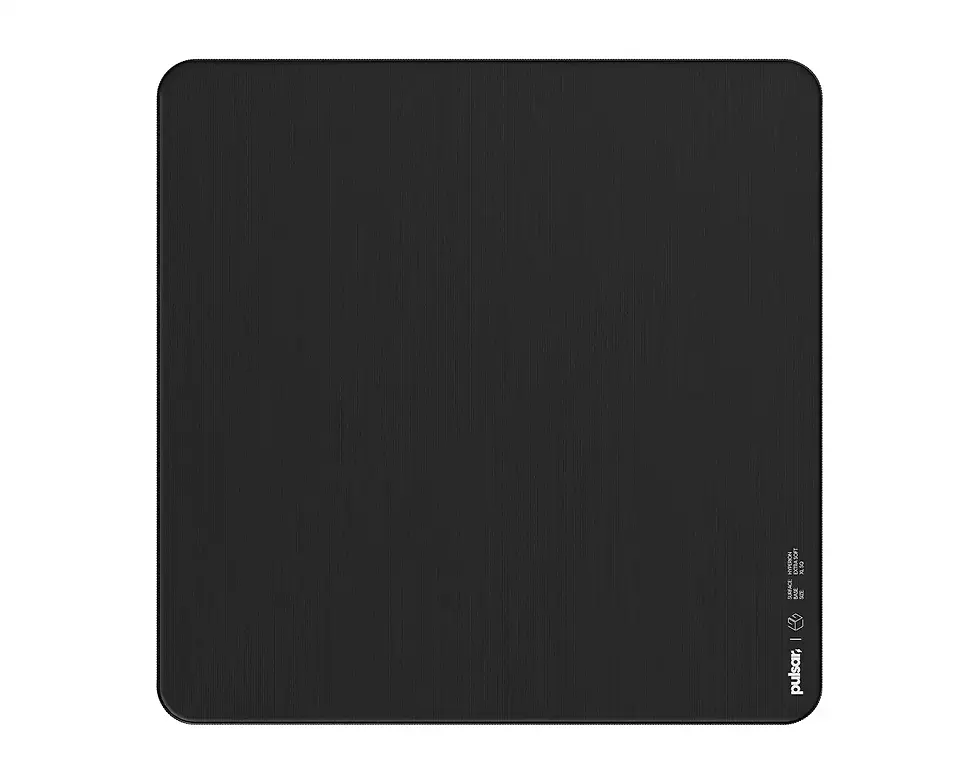
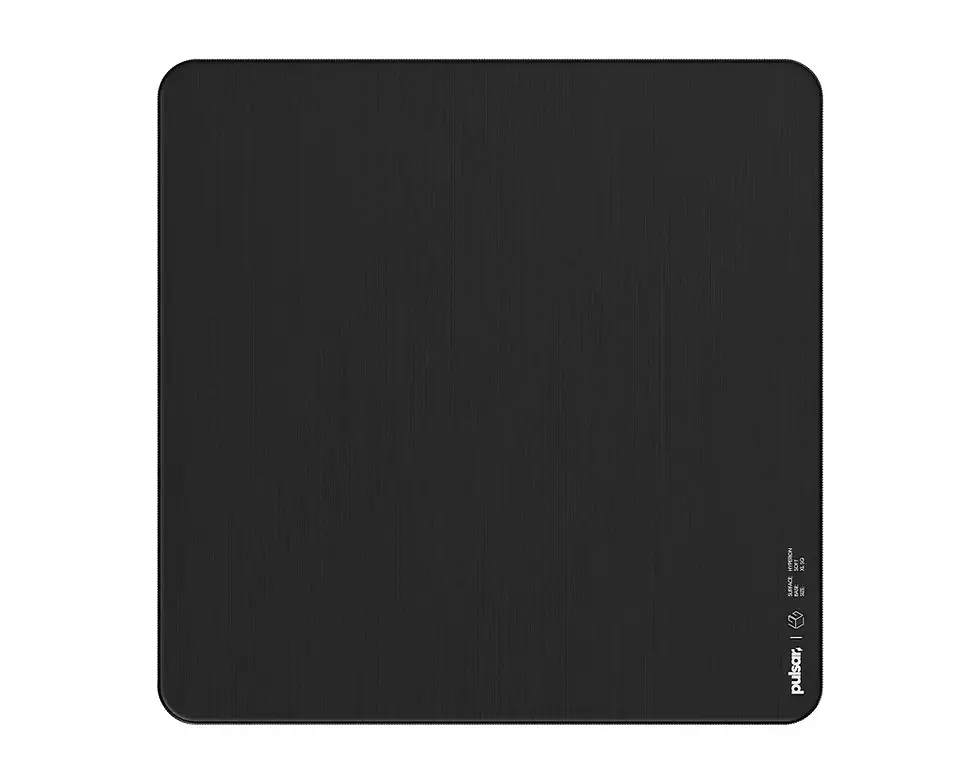
Desk pads protect your surface, improve mouse tracking, and give the workstation a finished look.
-
Full desk pad – best for larger desks, laptops, or combined keyboard + mouse usage.
-
Mouse pad only – good for smaller desks or very compact setups.
Consider material (leather, PU, fabric) for feel, durability, and appearance.
3. Think about cable management
Cable clips, trays, sleeves, and under-desk channels help keep your workspace tidy. Choose solutions that fit the number of cables you have and the type of desk (with or without cable openings).
4. Use organizers for everyday items
Desk organizers and trays help you keep pens, notepads, chargers, and accessories in one place. Look for modular sets or matching pieces to keep everything consistent and easy to reach.
5. Prioritise ergonomics and comfort
Accessories like wrist rests, laptop stands, or monitor risers can reduce strain on your wrists, neck, and back. If you spend long hours at your desk, ergonomic items are just as important as visual style.
6. Match materials and colours to your setup
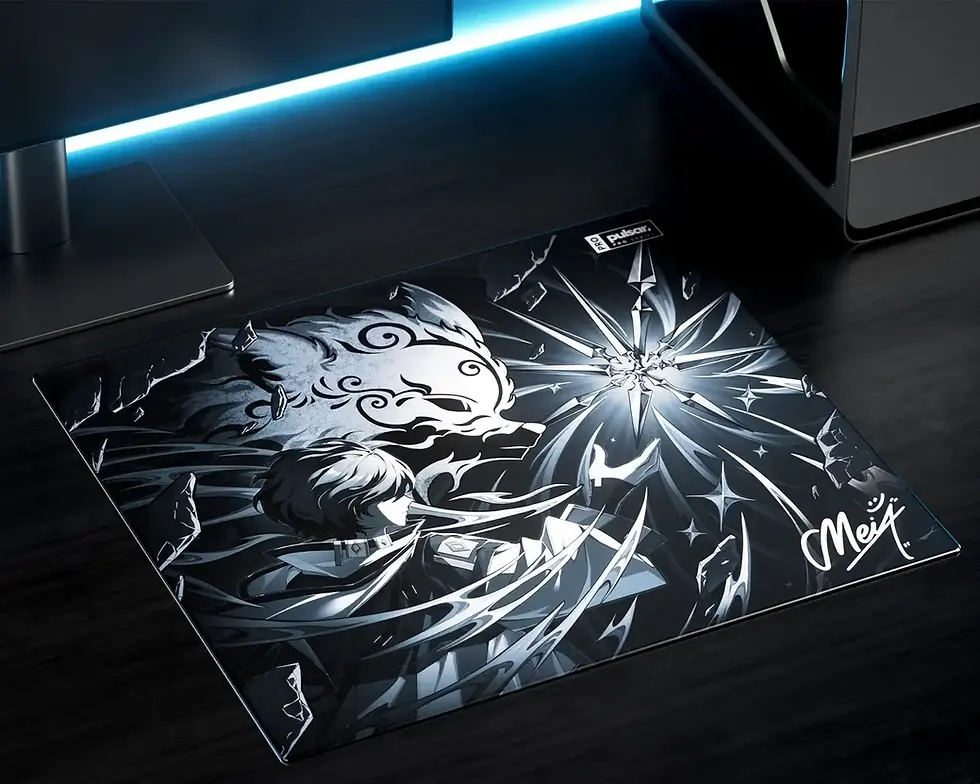
Choose finishes that complement your desk, chair, and tech – for example, leather or felt for a warm, premium look, or darker surfaces for a more gaming-oriented style. A cohesive colour scheme makes the whole setup look intentional.
7. Consider durability and maintenance
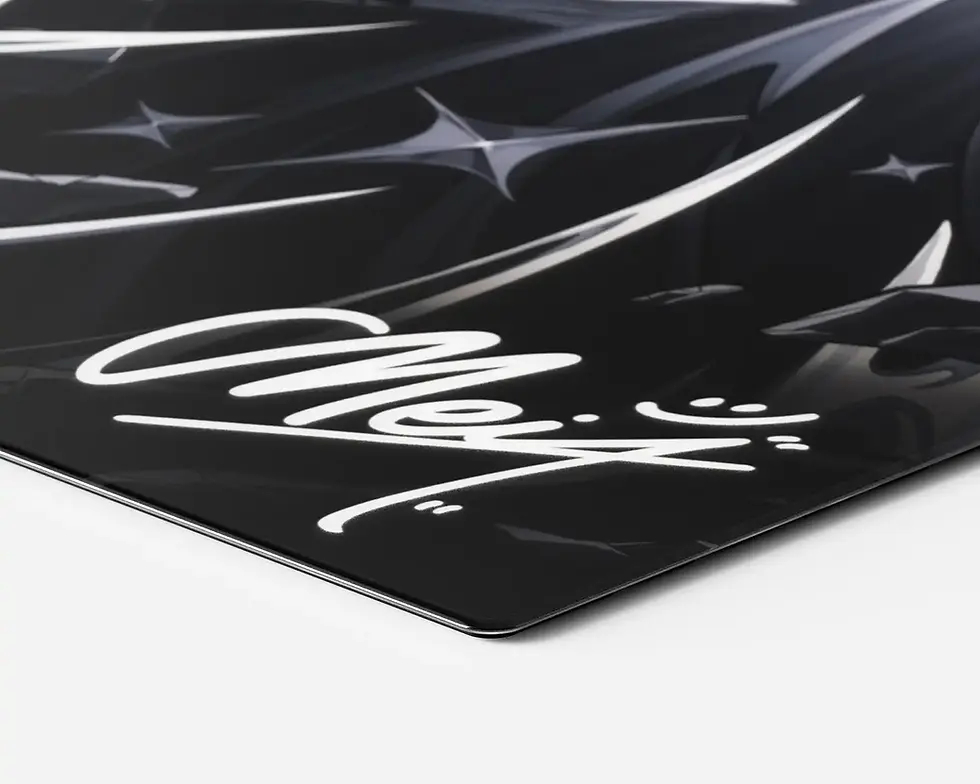
Look for easy-to-clean surfaces, stain resistance, and quality stitching or edges on desk pads. Durable accessories last longer and keep your workspace looking fresh.
8. Plan your budget and upgrade gradually
You don’t need to buy everything at once. Start with one or two key pieces – such as a desk pad and cable management – and then add organizers or decorative items as you refine your setup.
Summary
The right desk accessories make your workspace more organised, comfortable, and enjoyable to use every day.
You might like
















FAQ – Desk accessories
1. Which desk accessories are essential for a modern workspace?
A good starting set includes a desk pad or mouse pad, basic cable management, and at least one desk organizer or tray for small items. From there, you can add stands, holders, and decorative pieces depending on your needs.
3. Are leather or premium desk pads worth it?
Premium materials like real or bonded leather provide a more refined look, a pleasant feel, and usually better durability. They’re a good choice if you want your desk to look professional and you use it every day.
5. How do I choose the right size desk pad?
Measure the area where your keyboard, mouse, and laptop or monitor stand usually sit. Choose a pad that leaves a small margin around these items so you have room to move the mouse freely without going off the edge.
7. How do I keep my desk accessories clean?
Most desk pads and organizers can be wiped with a soft, slightly damp cloth. For leather or PU, avoid harsh chemicals and use gentle cleaners. Regular dusting and quick spot cleaning help keep everything looking new.
4. Will any mouse work on a desk pad?
Most modern mice work perfectly on fabric, leather, or PU desk pads. Extremely glossy or glass surfaces can be problematic, which is another reason why a dedicated desk pad or mouse pad is helpful.
6. Are cable management accessories easy to install?
Yes. Most cable clips, sleeves, and trays are designed for quick, tool-free installation with adhesive strips or simple clamps. Once set up, they make cleaning easier and keep cables from tangling.
8. Can desk accessories really improve productivity?
They can. A tidy, organised workspace reduces visual clutter and makes it easier to find what you need. Comfortable, well-chosen accessories also make long work sessions less tiring, which indirectly supports focus and productivity.