
Standing desk frames
Upgrade your workstation with our high-quality standing desk frames, designed for stability, durability, and smooth height adjustment. Whether you’re customizing your desk or replacing an old frame, our selection offers electric and manual options to suit every need. Enjoy ergonomic benefits, improved posture, and enhanced productivity with a sturdy and reliable frame. Pair it with your preferred desktop for a fully personalized setup. 🚀 Shop now and create the ultimate standing desk experience!





About this category:
Standing Desk Frames for Every Workspace
Upgrade your workstation with our high-quality standing desk frames, designed for stability, durability, and smooth height adjustment. Whether you’re building a new desk or upgrading an existing one, our frames combine ergonomic performance with sleek design.
Electric and Manual Adjustable Frames
Choose between electric standing desk frames for effortless height control or manual options for a simple and budget-friendly setup. All models are crafted from reinforced steel to ensure long-term reliability and comfort during your workday.
Perfect Fit for Home or Office
Pair your frame with any tabletop to create a customized standing desk solution that suits your space. Enjoy free EU delivery, easy assembly, and a 2 to 7 year warranty from Standesk — your partner in ergonomic productivity.
How to Choose the Right Standing Desk Frame
A standing desk frame is the “engine” of your sit-stand desk. The right choice depends on your tabletop size, how much weight you need to lift, and how stable you want the desk to feel at standing height. Use the checklist below to choose confidently.

1. Start with your tabletop size
Before you pick a frame, confirm your tabletop dimensions (width × depth). Frames usually support a range of tabletop sizes — choosing the correct range improves stability and prevents wobble.
-
Small setups: compact tops for home offices
-
Standard setups: most workstations and dual-monitor desks
-
Large/heavy setups: wide tops, deep tops, or thicker materials
2. Choose 2-stage vs 3-stage legs (height range)
-
2-stage legs: great for most users and standard sitting/standing heights
-
3-stage legs: better if you need a wider height range (often ideal for taller users or very low sitting positions)
If multiple people share the desk (home + office / hot desk), a wider height range is usually worth it.
3. Decide how much lifting power you need
Think in total load: tabletop + monitors + accessories.
-
Single monitor setup: standard lifting capacity is usually enough
-
Dual monitor + heavy top: choose a stronger frame (and a stable base)
4. Stability matters more than speed
A frame can be fast, but if it’s not stable at standing height, it won’t feel premium. For maximum stability, prioritize:
-
solid steel construction
-
strong feet/base design
-
quality lifting columns
-
proper match between frame width and tabletop width
5. Pick the right controls and everyday features
Small details change daily experience:
-
memory presets (quick height switching)
-
child lock (useful at home)
-
anti-collision (protects your setup)
-
cable management options (cleaner workspace)

Summary
If you’re choosing a complete sit-stand setup, also explore our Standing Desks collection for ready-to-use desk solutions.
FAQ — Standing Desk Frames
1. What’s the difference between a standing desk and a standing desk frame?
A standing desk is a complete desk (frame + tabletop). A standing desk frame is the adjustable base only — you add your own tabletop.
3. Should I choose a 2-stage or 3-stage frame?
Choose 2-stage for most standard setups. Choose 3-stage if you want a wider height range (often better for taller users or shared desks).
5. Do I need anti-collision and memory presets?
They’re not mandatory, but they improve daily use. Memory presets make switching heights faster, and anti-collision helps protect monitors, chairs, and cabinets.
2. Will any tabletop fit any standing desk frame?
Not always. Frames support specific tabletop width/depth ranges and weight limits. Matching the tabletop size to the frame’s recommended range improves stability and lifting performance.
4. How do I know if the frame is strong enough for my setup?
Estimate the total load: tabletop + monitors + accessories. If you use a heavy tabletop or multiple monitors, pick a frame with higher lifting capacity and a stable base.
6. Why do some standing desk frames wobble at standing height?
Wobble usually comes from a mismatch between tabletop size and frame range, lightweight construction, narrow feet/base design, or an uneven floor. A well-matched frame + tabletop combo is the biggest stability upgrade.
Our standing desk frames in live


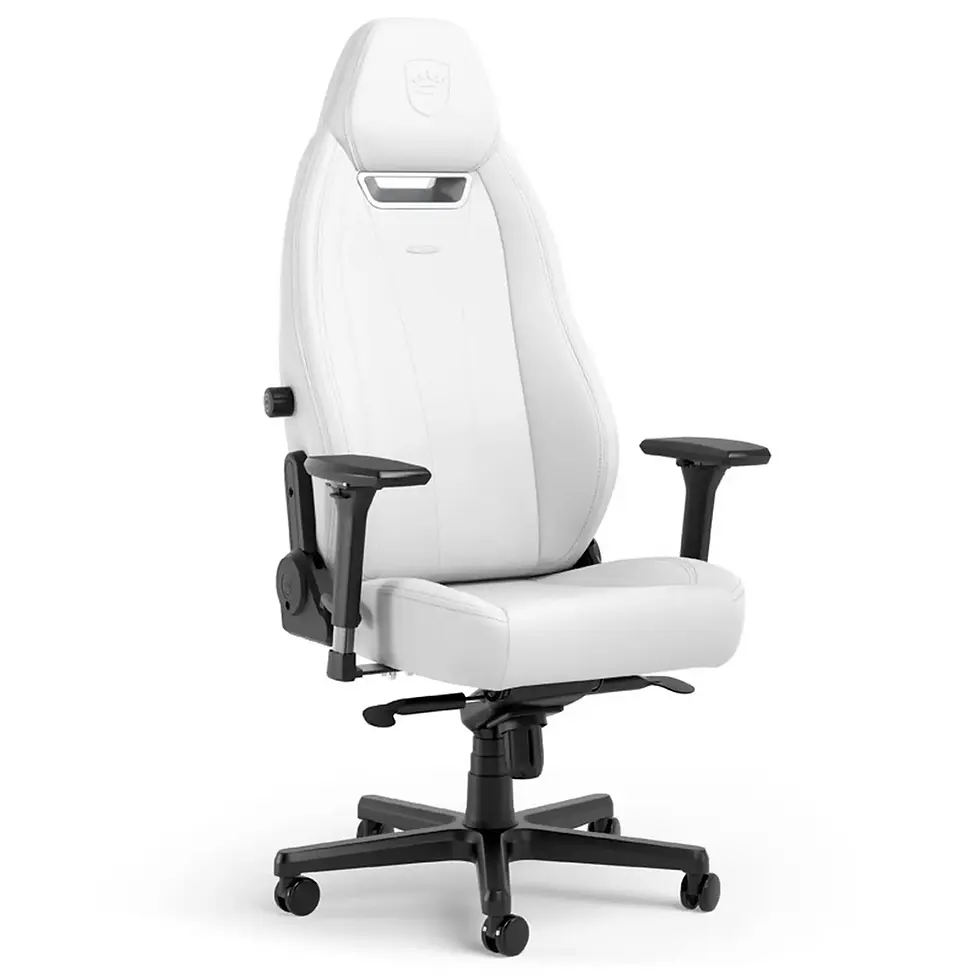
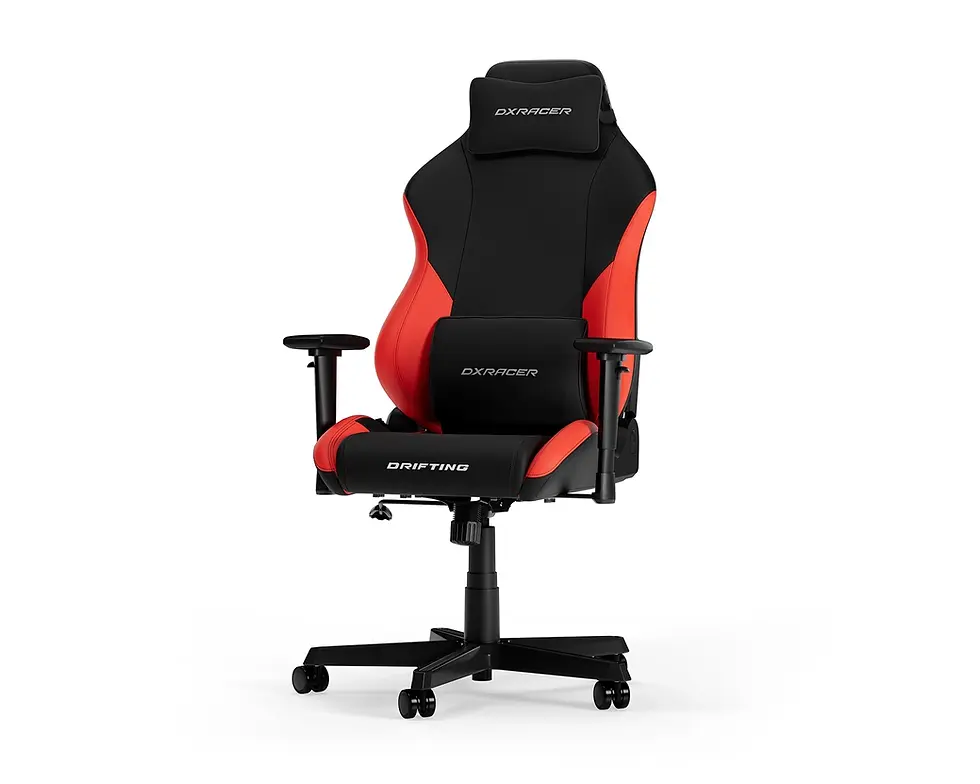
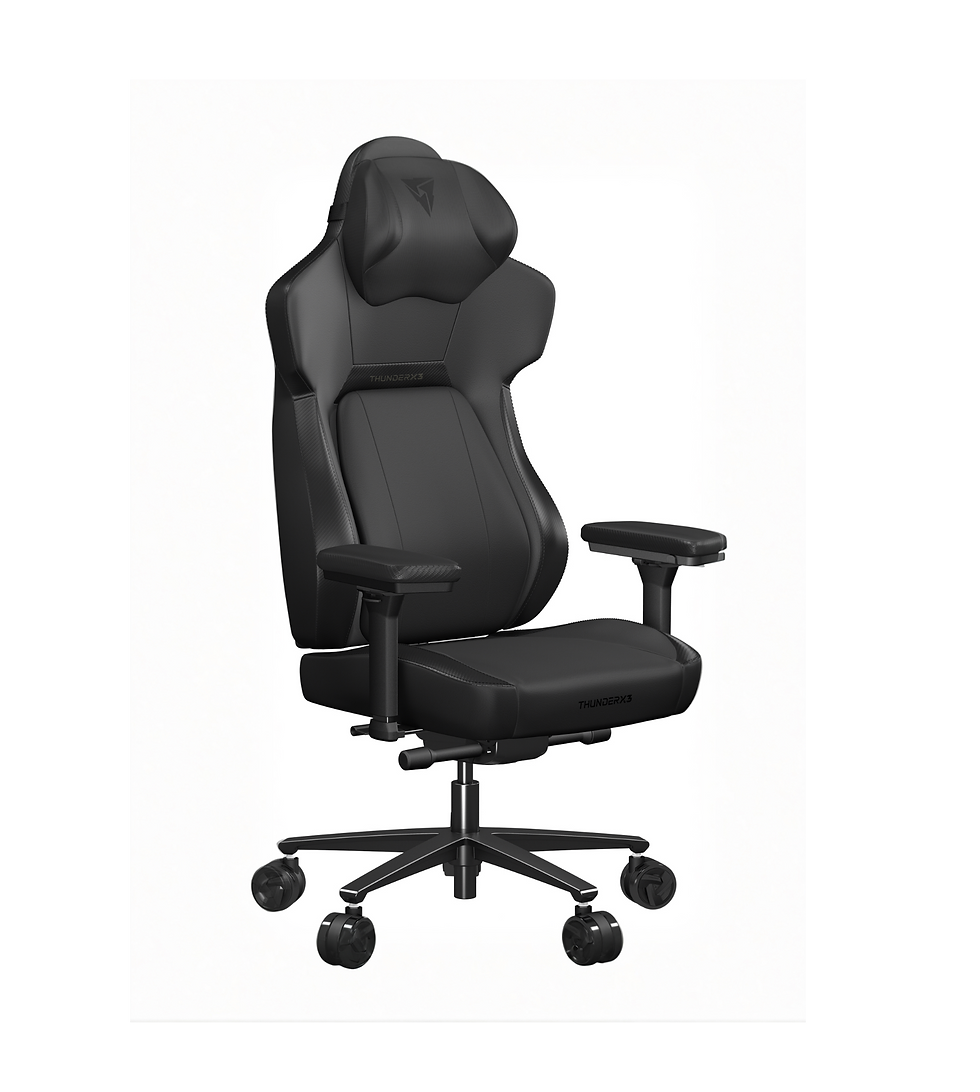
Explore gaming chairs








Request quotation for your office
Complete the form to receive a tailored offer