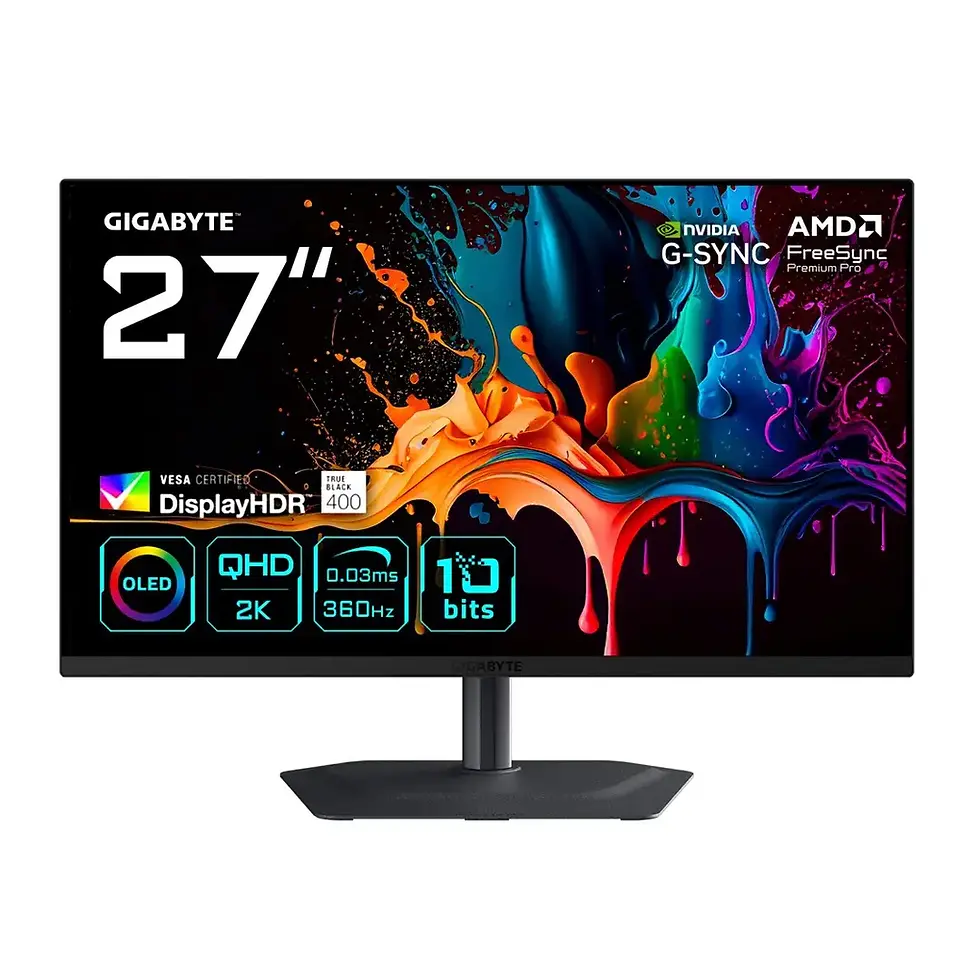
Is the GIGABYTE MO27Q28GR glossy or matte?
The MO27Q28GR uses GIGABYTE's RealBlack Glossy WOLED screen with an anti-reflective coating. The related MO27Q28G model uses a matte surface.
Is the MO27Q28GR good for competitive FPS gaming?
Yes. Its 280Hz refresh rate, 0.03ms GtG response time and adaptive-sync support make it suitable for competitive games such as CS2, Valorant and Apex Legends. A capable gaming PC is needed to benefit fully from the high refresh rate.
Does the MO27Q28GR support 280Hz at 1440p?
Yes. The monitor has a native resolution of 2560 × 1440 and a maximum refresh rate of 280Hz. Achieving this combination requires compatible graphics hardware and connection settings.
How bright is the GIGABYTE MO27Q28GR?
GIGABYTE specifies 335 nits typical SDR brightness at 100% APL and 1,500 nits peak HDR brightness at 1.5% APL. The peak figure applies to small HDR highlights, not the entire screen.
Does the MO27Q28GR support G-SYNC?
Yes. The monitor is listed as NVIDIA G-SYNC Compatible and also supports AMD FreeSync Premium Pro and VESA Adaptive-Sync.
Does the MO27Q28GR have HDMI 2.1?
Yes. It includes two HDMI 2.1 inputs and one DisplayPort 1.4 connection.
Does the MO27Q28GR have a KVM switch?
Yes. Its built-in KVM functionality allows compatible computers to share connected USB peripherals, such as a keyboard and mouse.
Can the MO27Q28GR charge a laptop?
Yes, through USB-C Power Delivery. The standard specification lists up to 18W, while GIGABYTE also advertises dynamic 45W Smart PD operation. Charging suitability depends on the laptop's power requirements.
Is the MO27Q28GR compatible with PS5 and Xbox Series X?
Its HDMI 2.1 inputs and QHD resolution make it suitable for connecting compatible gaming consoles. Specific combinations of 1440p, 120Hz, HDR and VRR depend on the console, firmware and monitor settings.
Does the MO27Q28GR have built-in speakers?
Yes. It includes two integrated 5W speakers, providing 10W total rated output.
Can the MO27Q28GR be mounted on a monitor arm?
Yes. The monitor supports VESA 100 × 100 mm mounting. Select an arm rated for the monitor's weight and dimensions.
Does the MO27Q28GR support hardware calibration?
The monitor is factory-calibrated with a stated Delta E below 2, and the supplied specifications list hardware calibration support. Specific calibration procedures and compatible software should be checked against GIGABYTE's documentation.
Does the MO27Q28GR have OLED burn-in protection?
Yes. GIGABYTE includes AI OLED Care features intended to reduce the risk of permanent image retention. These precautions cannot eliminate OLED burn-in risk entirely.
Does the MO27Q28GR warranty cover burn-in?
GIGABYTE advertises a three-year warranty that includes panel burn-in coverage. Eligibility and exclusions depend on the applicable regional warranty terms.
What is the difference between MO27Q28GR and MO27Q28G?
The MO27Q28GR uses a RealBlack Glossy screen, while the MO27Q28G has a matte finish. Both share key specifications, including 27-inch QHD WOLED panels, 280Hz refresh rates and 0.03ms response times.