
Gaming PCs & components


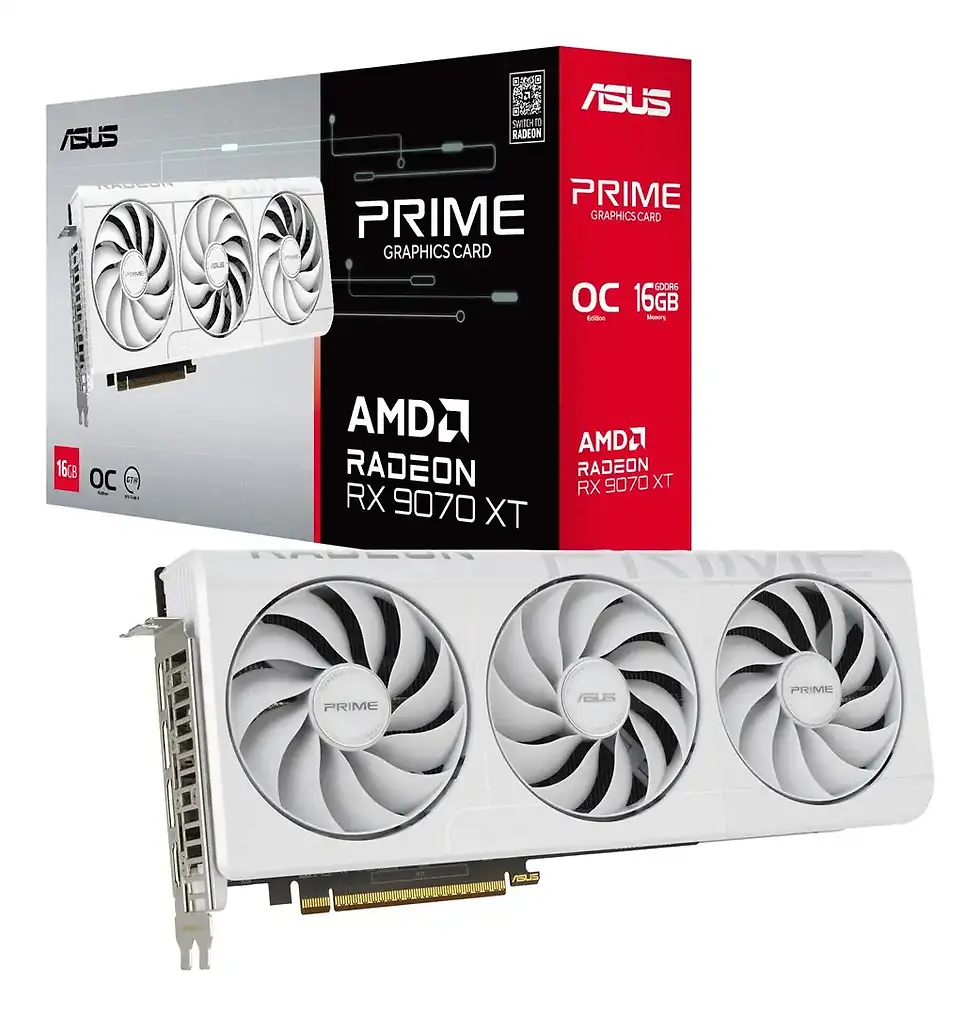


Why choose gaming PCs & components from Standesk
Choosing the right components is essential for smooth gameplay, stable performance and long hardware life. At Standesk, we focus on balanced builds, reliable parts and clear specs, so you can upgrade your current PC or assemble a new system with confidence.
High-performance parts
Get the most out of your games with powerful CPUs, GPUs, fast memory and storage selected for stable FPS and responsive gameplay.
Easy upgrades & custom builds
Whether you’re refreshing an older PC or building from scratch, our range of compatible components makes it simple to tailor a system to your budget and needs.
Trusted brands & EU-wide support
We work with trusted manufacturers and EU suppliers and back every order with clear specs, advice on compatibility and fast, tracked delivery across the EU.
FAQ – Gaming PCs & components
Find quick answers to common questions about choosing, building and upgrading a gaming PC using components from Standesk.
1. What components do I need to build a gaming PC?
A gaming PC typically needs a processor, graphics card, motherboard, RAM, storage, power supply, cooling system and case. Each component should be compatible with the others to ensure stable performance and future upgrade options.
2. What is the most important component in a gaming PC?
For most gaming setups, the graphics card is the most important component because it has the biggest impact on frame rates, visual quality and gaming performance. The processor is also important, especially for modern multiplayer and CPU-intensive games.
3. How much RAM do you need for a gaming PC?
For most gamers, 16GB of RAM is a strong starting point for modern games and multitasking. 32GB can be a better choice for higher-end systems, streaming, content creation or demanding future-ready builds.
4. Is SSD storage better than HDD for gaming?
Yes. SSD storage is much better for gaming because it improves loading times, system responsiveness and overall user experience. HDDs can still be useful for bulk storage, but SSDs are the preferred choice for the operating system and frequently played games.
5. What power supply should I choose for a gaming PC?
Choose a reliable power supply with enough wattage for your graphics card and processor, plus some headroom for future upgrades. Build quality and efficiency are important because a low-quality PSU can affect stability and long-term reliability.
6. Does cooling matter for gaming PC performance?
Yes. Proper cooling helps maintain stable temperatures, reduce thermal throttling and support long-term component performance. Good airflow, case fans and an appropriate CPU cooler are important for gaming systems.
7. Is it better to buy individual PC components or a prebuilt gaming PC?
It depends on your priorities. Individual components are ideal for custom builds and upgrades, while prebuilt gaming PCs are more convenient for users who want a ready-to-use system with less setup.
8. How do I know if PC components are compatible?
Check CPU and motherboard socket compatibility, RAM type, case size support, power supply wattage and graphics card dimensions. A balanced build depends on all core components working together correctly.