
Graphics Cards for Gaming, Workstations and Creative Use
Graphics cards are a key component for smooth performance in gaming, content creation and demanding workloads. A suitable GPU improves visual quality, rendering speed and overall system responsiveness.
From high-resolution gaming setups to video editing and 3D applications, different models are designed to handle specific tasks efficiently. Whether upgrading an existing PC or building a new system, choosing the right graphics card ensures stable and consistent performance.
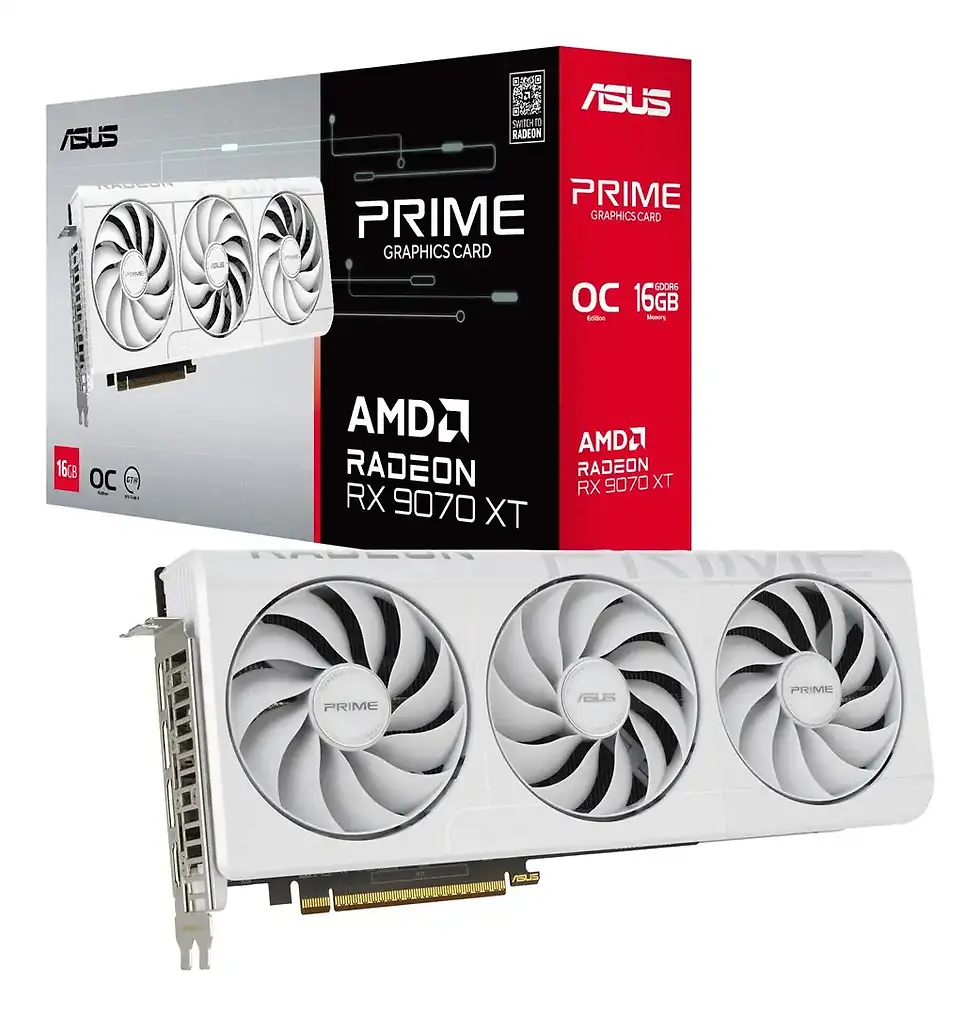


How to Choose the Graphic card

Choosing a graphics card depends heavily on how you plan to use your PC. Here are a few clear and simple tips to help you pick the right one:
1. Identify your main use case
For gaming, look for high clock speeds and plenty of VRAM.
For creative work like video editing or 3D design, choose models optimised for professional performance and supported software.
2. Check compatibility with your system
Make sure the card fits your PC case, your power supply can handle the wattage, and your motherboard supports the chosen model.
3. VRAM matters
For modern gaming and higher resolutions, 8 GB is a safe minimum.
For 4K editing, 3D rendering, or heavy workloads — more VRAM will deliver better stability and performance.
4. Choosing a GPU for AI workloads (machine learning, neural networks)
If your work involves AI models, deep learning, Stable Diffusion, or machine learning training:
-
Prefer NVIDIA GPUs — they dominate AI thanks to CUDA and Tensor Cores.
-
The more VRAM, the better (recommended 12–24 GB).
-
Models like RTX 4070 Ti / 4080 / 4090 perform exceptionally well for AI tasks.
-
Check software compatibility — many AI tools are CUDA-based only.
-
Cooling is critical: AI workloads keep the GPU at 100% load for long periods.
If you're rendering video or running local LLMs — VRAM becomes the number one priority.

5. Cooling and noise levels
A GPU with a strong cooling system will run cooler, quieter, and more stable under load — important for gamers, streamers, and creators who work for long hours.
6. Look for supported technologies
Gamers should consider DLSS, Ray Tracing, and G-Sync/FreeSync compatibility.
Creators should check support for professional drivers and APIs (CUDA, OpenCL, etc.).
7. Compare performance vs. price
The most expensive GPU is not always the best value. Compare real-world benchmarks for your tasks and choose the model that fits your budget and needs.
8. Gaming GPUs vs. Work GPUs — what’s the difference?
Gaming GPUs are optimised for:
-
high frame rates,
-
fast rendering of real-time scenes,
-
superior performance in DX12/Vulkan games.
Workstation/pro GPUs (CAD, 3D, engineering, AI) are optimised for:
-
stability under long loads,
-
certified drivers (Autodesk, Adobe, SolidWorks, Blender),
-
higher precision in compute tasks,
-
better performance in CUDA/OpenCL workloads.
If you play games AND work professionally — choose a strong consumer GPU (like RTX 4070–4090), they deliver the best balance.
Summary
Choosing the right graphics card comes down to your goals, system compatibility, and performance needs. Focus on VRAM, cooling, and supported technologies to get the best experience for gaming, work, or creative tasks.
You might like


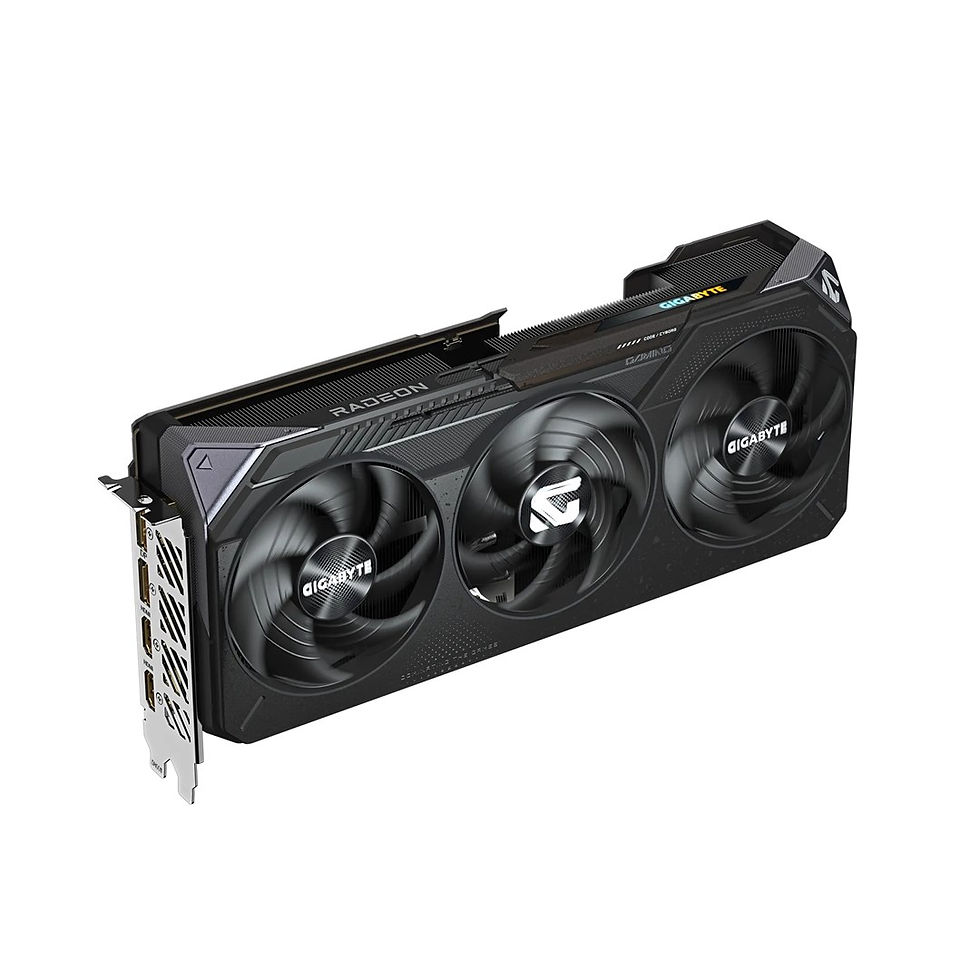


FAQ – Graphic Cards
1. How much VRAM do I need for gaming or creative work?
For modern gaming, 8–12 GB is usually enough depending on resolution.
For creative work, 3D rendering, or AI workloads, more VRAM is always better, especially when working with large models or high-resolution files.
3. What is the difference between gaming GPUs and workstation GPUs?
Gaming GPUs are optimized for real-time rendering and high frame rates.
Workstation GPUs feature certified drivers and improved performance for professional applications like CAD, 3D modelling and engineering tasks.
5. Do I need a stronger power supply for a new GPU?
Probably. Many modern GPUs are power-hungry. Check the recommended PSU wattage from the manufacturer — upgrading to 650–850W or higher is often necessary.
7. Can a GPU improve video editing and rendering?
Absolutely. Video editing software like Premiere Pro, DaVinci Resolve and Blender use GPU acceleration to speed up rendering, playback and effects.
2. Do I need a special graphics card for AI or machine learning tasks?
Yes. Most AI frameworks rely heavily on CUDA and Tensor Cores, which means NVIDIA GPUs are usually the best choice. Models with 12 GB VRAM or more handle AI workloads much more efficiently.
4. Will any graphics card fit in my PC case?
Not always. GPUs vary a lot in length, thickness, and cooler design. Always check your case’s GPU clearance and ensure your power supply can support the required wattage.
6. Does Ray Tracing affect performance a lot?
Yes. Ray Tracing is demanding and can reduce frame rates significantly.
If you want smooth gameplay with RT enabled, look for GPUs with strong RT cores and DLSS support.
9. Are 2-fan or 3-fan GPUs better?
Three-fan models generally run cooler and quieter, especially under heavy load.
Two-fan versions are fine for smaller cases and mid-range GPUs.