
GTA 6 Setup Guide 2026: What You Actually Need Before November 19

GTA 6 is close enough that “What do I need to play it?” has become a real buying question—and far enough away that expensive mistakes are still easy to make.
Here is the short answer: you need a PlayStation 5 or Xbox Series X|S, a compatible display, reliable audio and enough free storage once Rockstar publishes the final requirement. You do not need to replace every part of your setup.
Rockstar Games currently lists November 19, 2026 as the release date for Grand Theft Auto VI and names PlayStation 5 and Xbox Series X|S as the launch platforms. A PC release has not been announced on the official GTA VI page. Rockstar has also not published final console graphics modes, frame-rate targets or storage requirements. Any source presenting those details as settled fact is getting ahead of the evidence.
This guide is designed to answer two questions:
1. What should you buy now if you are building a GTA 6 setup from zero?
2. What should you keep if you already own a capable console, TV, monitor or desk?
The best GTA 6 setup is not the most expensive one. It is the setup that puts money into the parts you can actually see, hear and feel—without paying for specifications the game may not use.
GTA 6 setup: the immediate verdict
If you want the safest buying plan before launch, use this order:
1. Choose the platform first. Buy a PS5-family console or Xbox Series X|S according to your library, friends, budget and display—not rumours about unconfirmed GTA 6 performance.
2. Keep a good display if it already has low-latency Game Mode and an HDMI input. Upgrade only if you also want a meaningful improvement in size, contrast, resolution or refresh rate.
3. Use wired headphones, IEMs or a compatible gaming headset for the most predictable audio connection. Comfort matters more than a fashionable driver type.
4. Wait for the official storage requirement before buying expansion storage solely for GTA 6. Clear unused games first.
5. Fix the physical setup. Correct viewing distance, screen height, desk space and cable routing improve every session, regardless of the game’s eventual graphics modes.
Quick recommendations by player
Player | Best starting point | Display priority | Audio priority | What to skip |
Lowest-cost entry | Xbox Series S if its trade-offs suit you, or a discounted standard PS5 | Existing 1080p/1440p/4K display with Game Mode | Existing wired headset or IEM | Buying 8K for GTA 6 |
Best all-round console setup | PS5/PS5 Slim or Xbox Series X | Good 4K TV or 27–32-inch monitor | Comfortable wired or low-latency console-compatible audio | Replacing a good HDMI 2.1 display |
Premium living-room setup | PS5 Pro or Xbox Series X, chosen for your wider library | Large 4K OLED or quality Mini-LED TV | Headset/IEM for private play; speakers for cinema-like play | Assuming premium hardware guarantees an unannounced mode |
Desk gamer | PS5-family console or Xbox Series X | 27–32-inch 4K, or 1440p if value matters more | IEM or lightweight headset | A huge screen viewed too closely |
Competitive player who also plays GTA | Keep the console and high-refresh monitor you already use | Low latency and clear motion | Positional clarity and comfort | Buying 240/360Hz specifically for GTA 6 |
What is confirmed—and what is still speculation?
This distinction matters because search results, social posts and AI answers often repeat predictions until they look official.
Confirmed by Rockstar
· Grand Theft Auto VI is scheduled for November 19, 2026.
· The named platforms are PlayStation 5 and Xbox Series X|S.
· The game is set in the state of Leonida and includes Vice City.
Not yet confirmed by Rockstar
· A PC release date.
· Final installation size.
· Exact resolution or frame rate on each console.
· Whether every console will offer Performance and Quality modes.
· Whether 120fps gameplay will be available.
· The final feature set for PS5 Pro or any platform-specific enhancement.
This guide therefore uses conditional language where it should. A good purchasing decision can be made without pretending that rumours are specifications.
Which console is best for GTA 6?
The best console for GTA 6 is the one that fits your existing library, friends, budget and display. GTA 6 is officially announced for PS5 and Xbox Series X|S, but Rockstar has not published enough platform-specific performance data to declare an objective winner.
Standesk already has a focused PS5 vs Xbox Series X|S comparison for GTA 6. Read that article if the console itself is your main decision. The summary below keeps this setup guide useful without duplicating the same search intent.
PS5 and PS5 Slim: the balanced route
The standard PS5 family is the straightforward choice if you already own PlayStation games, use PlayStation services or play with friends there. The disc model also makes sense if you buy used physical games, share discs or want another route to discounts.
Choose it when:
· your social circle is on PlayStation;
· you value access to physical games;
· GTA 6 is only one part of a broader PlayStation library;
· you want a mainstream option without paying the premium for PS5 Pro.
Do not buy it because somebody has promised a particular GTA 6 frame rate. That promise is not yet supported by Rockstar’s published specifications.
PS5 Pro: premium hardware, conditional value
PS5 Pro is aimed at buyers who want stronger graphics hardware and are willing to pay for it. It is easiest to justify when you own a good 4K display, sit close enough to see visual differences and also play other enhanced games.
It is harder to justify when your current TV is small, distant or limited to 1080p; when the purchase would force you to compromise on the display; or when GTA 6 is the only reason for the upgrade. Until Rockstar details its modes, treat PS5 Pro as the premium PlayStation option—not as a guaranteed ticket to a specific resolution or frame rate.
Xbox Series X: the performance-oriented Xbox choice
Xbox Series X is the natural Xbox option for a 4K setup, a disc library or buyers who want the most capable current Xbox model. Choose it if you already use the Xbox ecosystem, prefer its controller and services, or want physical-media flexibility.
Xbox Series S: the cheapest entry, with trade-offs
Xbox Series S is officially included in Rockstar’s platform list. It can be the lowest-cost path to GTA 6, especially for a smaller display or secondary room. Its lower hardware targets and digital-only model are important trade-offs, however. Buyers who care strongly about image quality on a large 4K screen may prefer Series X or a PS5-family model.
Console decision table
Choose | Best when | Think twice when |
PS5 / PS5 Slim | You want the mainstream PlayStation route and already use that ecosystem | Your library and friends are mainly on Xbox |
PS5 Pro | You want a premium PlayStation and own a display capable of showing the benefit | GTA 6 alone is your reason and the final game modes are still unknown |
Xbox Series X | You want the strongest current Xbox, 4K focus and disc support | You do not use Xbox services or own Xbox games |
Xbox Series S | Entry cost and compact size matter most | You prioritize maximum visual quality, discs or large local storage |
Should you wait for GTA 6 on PC?
Wait only if PC is non-negotiable for you. Rockstar’s current GTA VI page lists PS5 and Xbox Series X|S but does not announce a PC version or date.
That does not prove a PC version will never exist. It means buyers should not plan around an unofficial date. If you want to play at launch, choose one of the announced consoles. If you prefer mouse and keyboard, mods, ultrawide support or a PC library strongly enough to wait, keep your current system and wait for Rockstar—not anonymous “leaks”—to announce the details.
Buying a new graphics card today “for GTA 6” is especially speculative because official PC requirements do not exist. A GPU upgrade can still make sense for your current games, but that is a different buying decision.
Do you need a new TV or monitor for GTA 6?
Probably not. If your current screen accepts your console’s output, has a responsive Game Mode and looks good at your normal viewing distance, it can play GTA 6. Upgrade when the new display improves your whole setup, not because a marketing label implies that the game requires it.
Browse Standesk’s monitors and monitor arms if you are building a desk-based setup. The useful filters are screen size, resolution, panel technology, refresh rate, ports, VESA support and weight—not “GTA-ready” branding.
TV or monitor: which is better?
Choose a TV when you play from a sofa, want a large cinematic picture or share the screen with other people. Choose a monitorwhen you sit at a desk, play close to the screen, also use a PC or need a compact setup.
Neither category is inherently better. Viewing distance changes everything. A 55-inch 4K TV can be ideal across a room and uncomfortable on a shallow desk. A 27-inch monitor can look sharp at arm’s length and underwhelming from a sofa.
Priority | TV | Monitor |
Cinematic scale | Excellent | Limited by typical desktop size |
Desk use | Often too large | Designed for close viewing |
Built-in streaming and speakers | Usually stronger | Often basic or absent |
Portability and space | Lower | Higher |
Mixed console and PC use | Good | Often excellent |
Ergonomic adjustment | Stand-dependent | Strong with an adjustable stand or arm |
Is 4K worth it for GTA 6?
4K is a sensible target for a premium console setup because it produces a sharper image and is widely supported by modern TVs and monitors. It is not a requirement. At smaller sizes or longer viewing distances, a good 1440p display can still look excellent, and a responsive 1080p screen remains usable.
Do not confuse console output with native rendering. A console can output a 4K signal even when a game internally uses dynamic resolution or reconstruction. Rockstar has not yet published those implementation details for GTA 6.
OLED, Mini-LED or IPS?
OLED offers exceptional black levels, contrast and fast pixel response. It suits cinematic night scenes and premium mixed gaming, but costs more and requires sensible care around static content.
Mini-LED LCD can deliver high brightness and strong HDR without OLED’s pixel-wear considerations. Haloing around bright objects may be visible, depending on the model and local-dimming system.
IPS LCD is the practical all-round monitor choice: broad availability, good colour and many price points. Its black levels are normally weaker than OLED’s.
Panel type alone does not determine quality. A well-tuned display with effective Game Mode can be a better purchase than a poorly implemented premium panel.
Do you need 120Hz, 144Hz or 240Hz?
You do not need 240Hz for GTA 6. A high-refresh screen remains valuable for other fast games, desktop use and future flexibility, but GTA 6’s supported console modes have not been announced.
For a new general-purpose gaming display, 120Hz or above is a reasonable premium feature. It can support 120Hz console output where games allow it and may provide clean handling of lower frame-rate content. Buying 240Hz or 360Hz specifically for GTA 6 is difficult to justify without official evidence that the game can use it.
HDMI 2.1, VRR and ALLM in plain language
· HDMI 2.1 capability can enable high-bandwidth combinations such as 4K at 120Hz, depending on the exact device and port.
· VRR (Variable Refresh Rate) lets a compatible display adjust its refresh timing to the console’s output, reducing visible tearing and helping uneven frame delivery look smoother within the supported range.
· ALLM (Auto Low Latency Mode) can switch a compatible TV into its low-latency mode automatically.
Check the exact ports, not just the headline. Some displays offer their full gaming feature set on only certain HDMI inputs.
Best display choice by setup
Small desk or bedroom
A 27-inch 1440p or 4K monitor is the safe range for many close-viewing setups. Prioritize low-latency operation, HDMI compatibility and a stand that can place the screen at a comfortable height. A monitor arm can reclaim desk depth and make viewing distance easier to tune, provided its size and weight rating match the screen.
Deep desk or mixed PC/console station
A 32-inch 4K monitor adds scale while remaining manageable at a desk with sufficient depth. It also makes sense for productivity, creative work and PC gaming. Confirm that the monitor’s HDMI inputs support the refresh rate and VRR behaviour you expect from your console.
Living room
A quality 4K TV with effective Game Mode is the simplest recommendation. Choose size from viewing distance and room layout. OLED is attractive for contrast; Mini-LED is attractive for bright rooms and strong HDR. Do not sacrifice basic image quality simply to get a larger diagonal.
Headset, IEM or speakers for GTA 6?
Use a headset for one-device convenience, an IEM for lightweight isolation, or speakers for shared cinematic impact. The “best” option depends on comfort, room noise and communication—not on the game’s name.
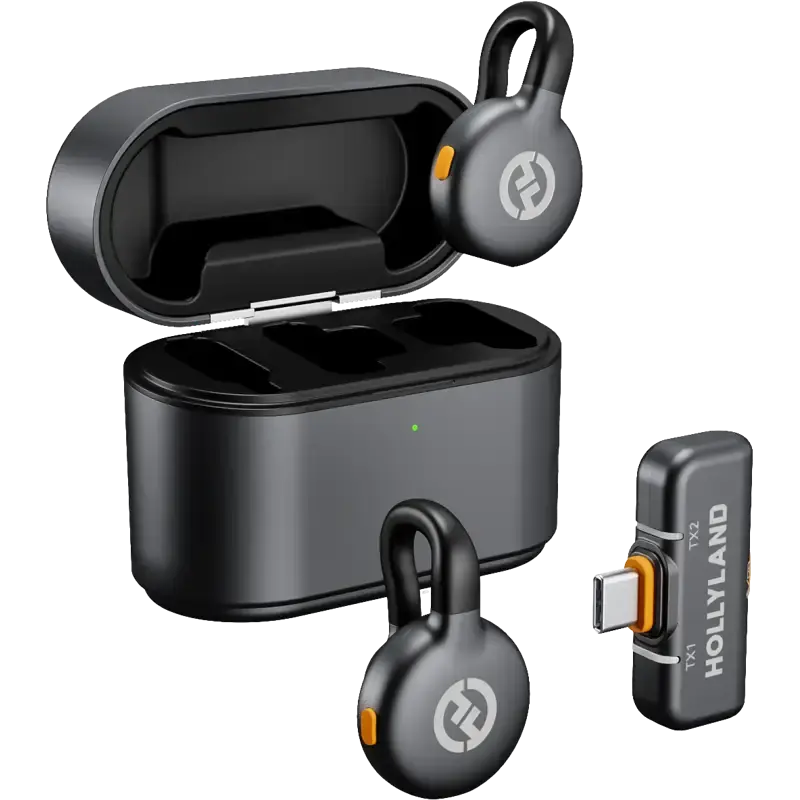
Standesk’s audio collection includes IEMs, gaming headsets, headphones, microphones and speakers. Check platform compatibility before buying, especially for wireless products; PlayStation, Xbox, Bluetooth and USB support are not automatically interchangeable.
Gaming headset
A headset combines playback and a microphone in one package. It is the easiest option for party chat and late-night play. Look for low clamping pressure, replaceable ear pads, a clear microphone and a connection explicitly supported by your console.
IEMs
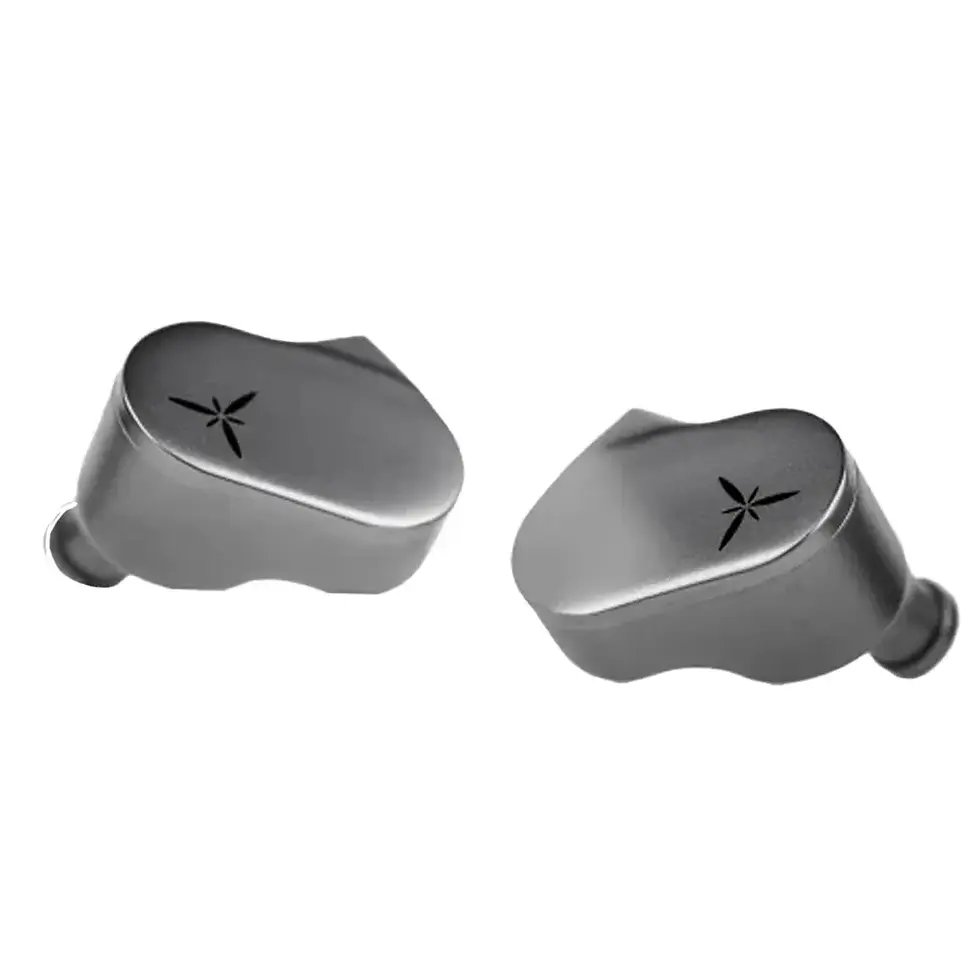
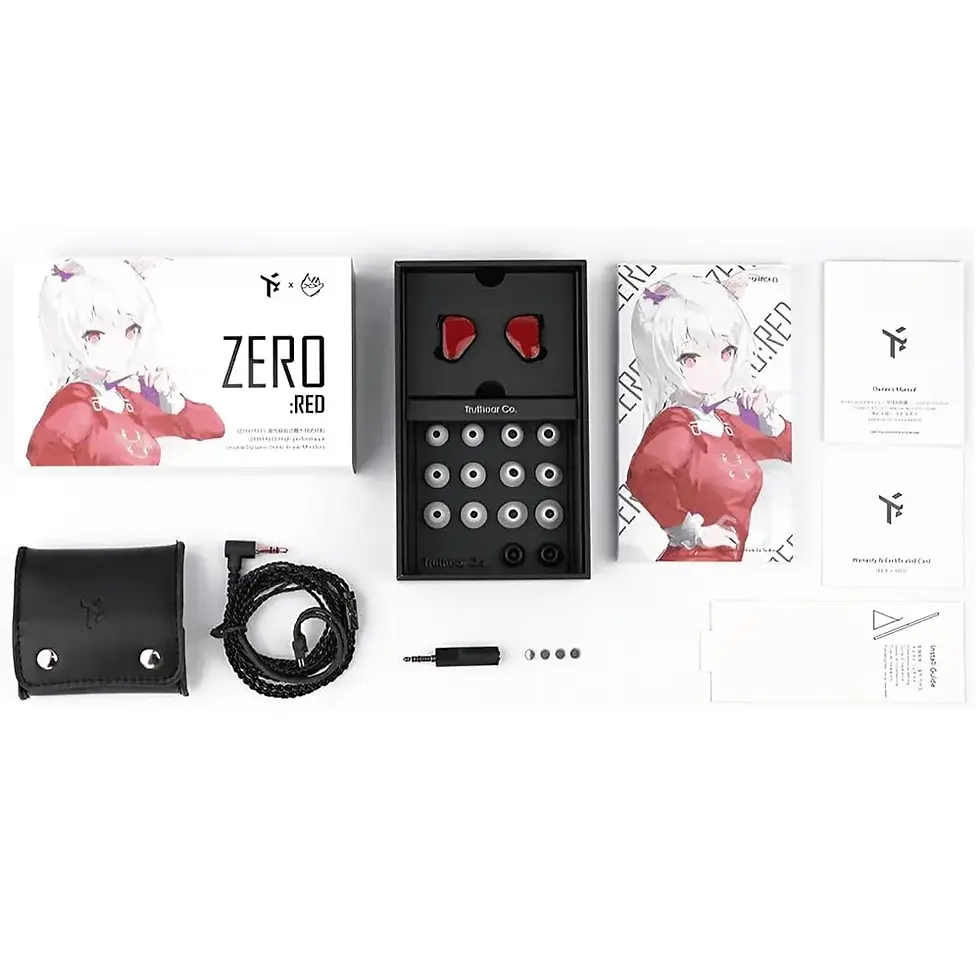
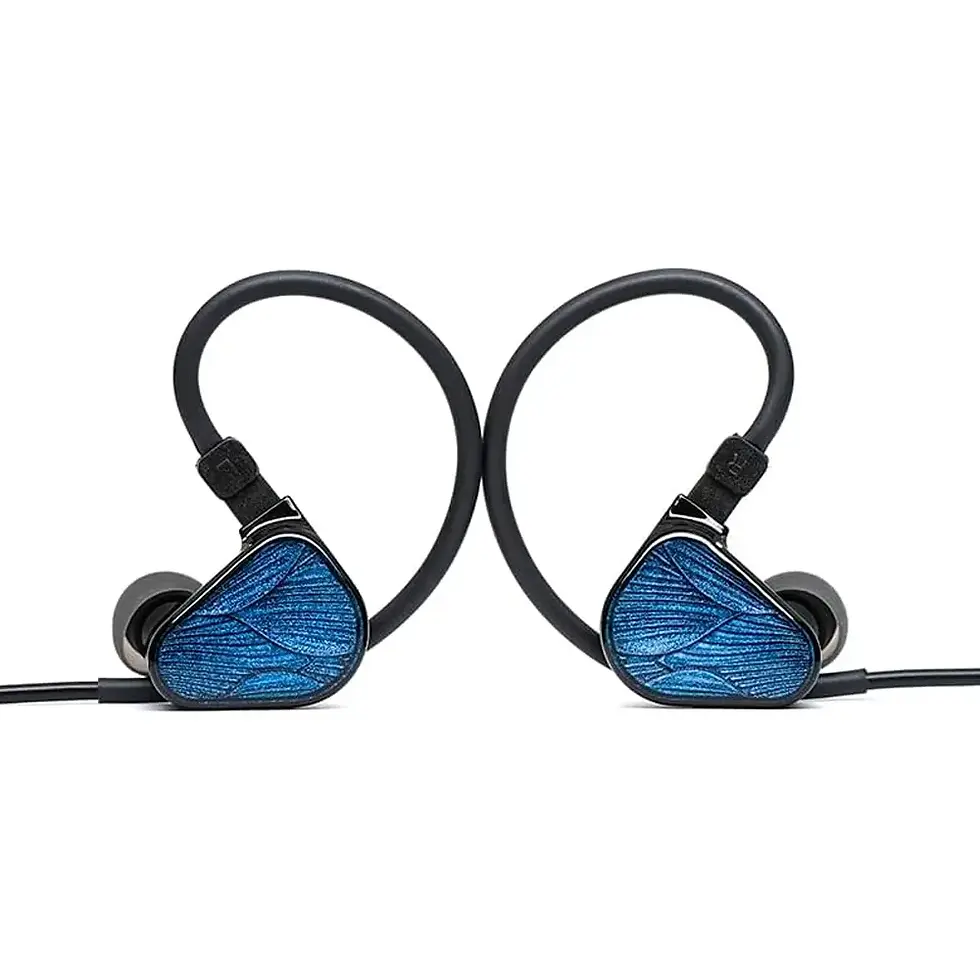
Wired in-ear monitors are compact, light and naturally isolate some outside noise. They can be excellent for long desk sessions if the fit suits your ears. They are also easy to drive from a controller in many setups. Cable microphonics, tip fit and the absence of an integrated microphone on some models are the main considerations.
For GTA 6, choose an IEM with clear dialogue, controlled bass and comfortable tips. More bass is not automatically more immersive if it masks speech or environmental detail.
Speakers or soundbar
Speakers create scale without wearing anything and work well for exploration, music and shared viewing. They also introduce room acoustics, neighbour considerations and less privacy. A soundbar is a practical living-room solution; desktop speakers suit near-field listening.
Do you need “7.1” headphones?
Not necessarily. Console and game audio processing can create spatial cues over ordinary stereo headphones. Fit, channel balance, tuning and the game’s mix are often more important than a 7.1 badge. Avoid assuming that more advertised channels guarantee better positioning.
Storage: should you buy an SSD now?
Wait for Rockstar’s official installation requirement before buying storage only for GTA 6. The final size has not been published.
You can prepare safely by deleting unused captures, archived games and duplicate installations. If your console is consistently full across many games, expansion storage can be worthwhile now—but choose a product that meets the console manufacturer’s requirements.
On PS5, compatible M.2 expansion drives must meet Sony’s published specifications. On Xbox Series consoles, games optimized for the platform may require the internal SSD or an officially compatible expansion solution for direct play. Ordinary USB storage can still have backup or older-game uses, but it is not a universal substitute.
Never buy a suspiciously cheap “GTA 6 SSD” from an unknown seller. The game does not require branded storage, and capacity claims should be verified.
The desk and ergonomic setup most buyers forget
A new console or display does not fix a screen that is too high, a chair that pushes you forward or a desk too shallow for the viewing distance. These physical details matter during every hour of play.
For desk setups, aim for:
· the main screen centered in front of you;
· a viewing distance that allows the whole screen to be seen without constant head movement;
· shoulders relaxed rather than lifted;
· elbows supported comfortably;
· space for the controller, keyboard, drinks and charging without blocking ventilation;
· regular movement breaks during long sessions.
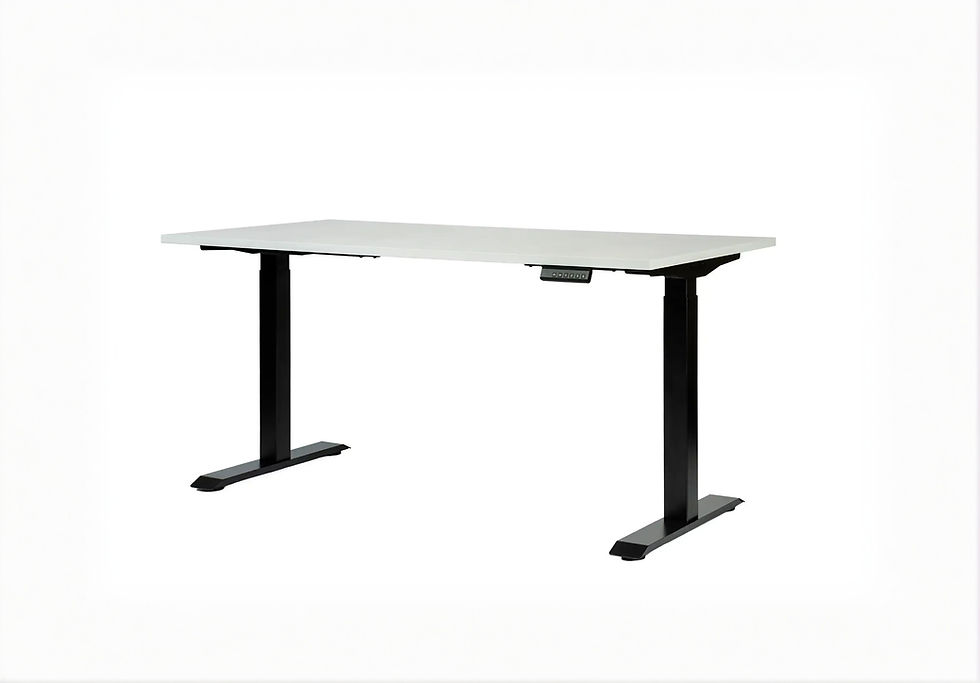
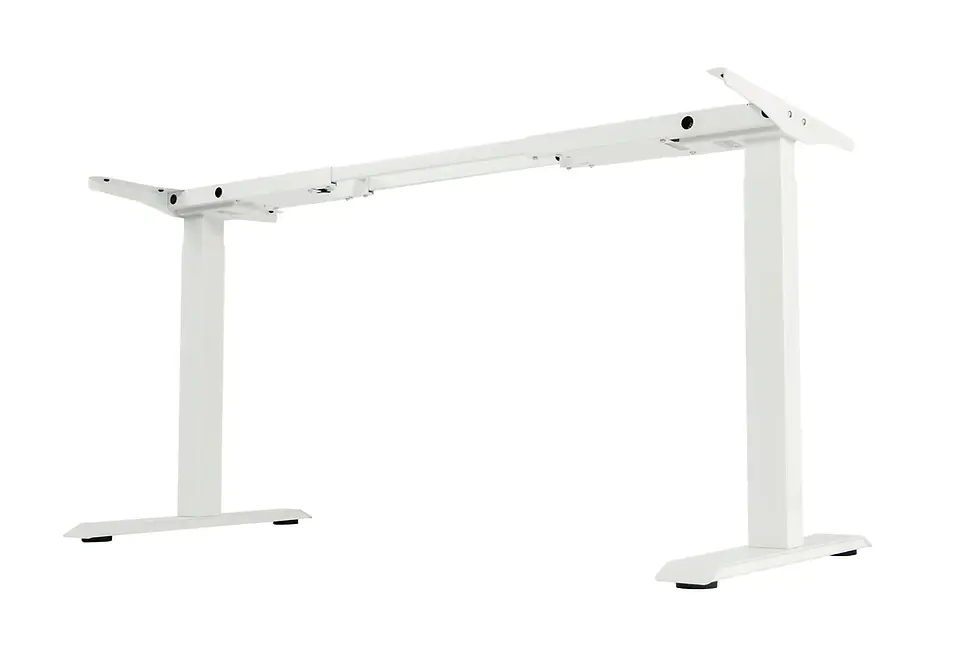
A height-adjustable desk can make the station work for gaming, work and occasional standing. Browse standing desks and frames for complete systems, or standing desk frames when you want to reuse or choose your own desktop.
Screen height and distance
Place the display so your neutral gaze lands near the upper portion of the screen, then adjust for your posture and screen size. A large TV across a room and a monitor at arm’s length require different positioning. Comfort is the test: you should not crane your neck, lean forward to read interfaces or rotate repeatedly to follow action.
Ventilation
Do not enclose a console in a tight cabinet or push its vents against a wall. Follow the manufacturer’s placement guidance, keep air paths clear and remove dust periodically. A cleaner-looking hidden console is not an upgrade if it runs in trapped hot air.
Cable management that moves safely
Route power and HDMI cables so connectors are not carrying tension. Leave enough slack for a sit-stand desk to reach its full height without pulling the console, display or power strip. Separate cables cleanly, secure excess length and keep adapters off the floor where practical. Standesk’s cable-management collection includes trays and organizers for this job.
Before raising an adjustable desk for the first time, test the cable path slowly while watching every connection.
What to buy by budget
These tiers exclude the price of the game and use priorities rather than fixed totals because console and display prices vary by market and promotion.
Budget setup: keep more, replace less
Best for: a player who wants GTA 6 at launch with the lowest sensible spend.
· Use an officially supported console you already own.
· Keep an existing 1080p, 1440p or 4K screen if its Game Mode is responsive.
· Use wired audio through the controller where supported.
· Clear storage before buying expansion capacity.
· Improve comfort with screen placement and cable routing.
If you own no current console, compare the total cost of Xbox Series S, Series X and PS5 options—not only the box price. Consider storage, disc pricing, subscriptions, controllers and the games you will play after GTA 6.
Balanced setup: the best value for most people
Best for: players building a console station that should last beyond one game.
· Standard PS5-family console or Xbox Series X.
· 27–32-inch monitor for desk use, or a well-reviewed 4K TV for sofa use.
· 120Hz capability if the price difference is reasonable and you play other compatible games.
· Comfortable console-compatible headset or wired IEM.
· Proper monitor stand/arm, desk depth and cable organisation.
This tier usually delivers a larger real-world improvement than spending the same budget on the most expensive console while keeping an unsuitable display.
Premium setup: build for the whole library
Best for: players who value image quality, premium hardware and a refined room.
· PS5 Pro or Xbox Series X according to ecosystem and broader use.
· 4K OLED or strong Mini-LED display with low-latency gaming features.
· Audio chosen around the room: quality headset/IEM for privacy, speakers or soundbar for scale.
· Storage expansion only when capacity genuinely requires it.
· Stable desk, correct screen mounting, accessible charging and tidy power routing.
The premium rule is simple: every upgrade should improve more than GTA 6. If it does not, wait for final reviews and measured performance.
Best GTA 6 setup by player type
Story-first explorer
Prioritize a large, high-contrast display, comfortable seating and audio with clear dialogue. Maximum refresh rate is less important than image quality and long-session comfort.
Online and social player
Prioritize the platform your friends use, a dependable microphone, stable network connection and an extra charging method for controllers. Platform choice may matter more than small graphics differences.
Desk gamer
Prioritize an appropriately sized monitor, a low-latency wired connection, lightweight audio and a tidy surface. An arm can provide more space, but confirm VESA pattern and weight capacity before purchase.
Content creator or streamer
Do not assume your normal console-to-monitor connection is the whole system. Consider capture-device compatibility, passthrough resolution and refresh rate, microphone placement, lighting, camera framing and storage for recordings. Verify every link in the signal chain.
Player who owns both console ecosystems
Wait for independent technical comparisons after release unless preorder timing or friends determine the choice. The best evidence will be measured performance on retail code, not brand allegiance before Rockstar publishes the modes.
What not to buy before GTA 6 launches
Do not buy an 8K display for GTA 6
There is no official basis for treating 8K as a GTA 6 requirement. Screen quality, contrast, HDR execution, Game Mode and correct size are more valuable considerations.
Do not buy a 240Hz monitor solely for GTA 6
High refresh rates are excellent for compatible games and PCs, but GTA 6’s frame-rate modes are unconfirmed. A 240Hz screen can still be a good all-round purchase; it is not a demonstrated GTA 6 necessity.
Do not buy storage based on leaked file sizes
Wait for the official store listing or Rockstar support information. Leave headroom for installation and updates when reliable figures arrive.
Do not replace good audio because it lacks a gaming label
Comfortable stereo headphones or IEMs can provide excellent game audio. Compatibility and microphone needs matter more than RGB lighting or virtual-surround branding.
Do not choose a console from an unverified frame-rate claim
Choose based on the complete ownership experience now. Revisit measured GTA 6 comparisons when reputable outlets can test the finished game.
GTA 6 setup decision tree
1. Do you want to play on November 19, 2026?
Yes → choose PS5-family or Xbox Series X|S.
No, PC is essential → wait for an official PC announcement.
2. Do you already own one of the announced consoles?
Yes → keep it unless you want a broader platform upgrade.
No → compare ecosystem, friends, disc preference and total ownership cost.
3. Does your display have HDMI and a responsive Game Mode?
Yes → keep it for now.
No, or you want a major image/size upgrade → compare a TV for sofa use with a monitor for desk use.
4. Are you buying a display specifically for GTA 6?
Yes → target quality 4K and 120Hz only if the features fit your wider library and budget; do not assume an unconfirmed 120fps mode.
No → choose for your complete console/PC use.
5. Is your console storage regularly full?
Yes → consider manufacturer-compatible expansion storage.
No → wait for the official installation size.
6. Do you use voice chat?
Yes → choose a compatible headset or add a microphone solution.
No → choose IEMs, headphones or speakers by comfort and room use.
7. Is the setup uncomfortable or cluttered?
Yes → correct screen height, viewing distance, desk layout and cable slack before buying cosmetic accessories.
No → stop upgrading and save the budget for the game.
GTA 6 setup checklist
Before buying
· Confirm the platform is officially supported.
· Compare total cost, not only console price.
· Measure viewing distance and available desk or cabinet space.
· Check display inputs, Game Mode, VRR and refresh-rate support.
· Check audio compatibility with the exact console.
· Check monitor-arm VESA and weight limits.
· Plan ventilation and cable slack.
One month before launch
· Install console system updates.
· Clear unused storage.
· Test the HDMI input and Game Mode.
· Update display firmware only if the manufacturer recommends it.
· Test headset, microphone and party chat.
· Confirm controller charging.
· Check your network connection and available data if relevant.
On launch week
· Verify the official download size and release timing for your region.
· Leave additional free space for installation and updates.
· Avoid spoilers and fake download links.
· Recheck accessibility and subtitle settings.
· Take breaks; a comfortable setup should support movement, not marathon sessions without one.
Frequently asked questions
What do I need to play GTA 6?
You need a supported console—currently PS5 or Xbox Series X|S—a compatible display, a controller and enough free storage once the final size is published. Internet access may be required for downloads, updates or online features.
When does GTA 6 release?
Rockstar Games currently lists November 19, 2026 as the release date for Grand Theft Auto VI.
What platforms will GTA 6 be on at launch?
Rockstar currently names PlayStation 5 and Xbox Series X|S. Its official GTA VI page does not list a PC launch date.
Is GTA 6 coming to PC?
Rockstar has not announced a PC release date on the official GTA VI page. A future release may be possible, but buyers should not treat rumours as a confirmed schedule.
Will GTA 6 run at 60fps?
Rockstar has not confirmed the final frame-rate modes for each console. Wait for official details or independent testing of the retail game.
Do I need a PS5 Pro for GTA 6?
No. GTA 6 is officially announced for PS5 and Xbox Series X|S, so PS5 Pro is not required. Its value depends on final enhancements, your display and the other games you play.
Is Xbox Series S enough for GTA 6?
Xbox Series S is included in Rockstar’s official platform list. Exact visual and performance differences versus other consoles have not yet been published.
What is the best console for GTA 6?
There is no confirmed performance winner yet. Choose according to your library, friends, budget, display and preference for physical or digital games, then consult measured comparisons after launch.
Do I need a 4K TV for GTA 6?
No. A compatible 1080p or 1440p display can still be used. A good 4K screen is worthwhile if you want sharper visuals and it fits your viewing distance and budget.
Is a TV or monitor better for GTA 6?
A TV is usually better for sofa distance and cinematic scale; a monitor is usually better for close desk use and mixed PC/console setups. Low latency and correct size matter more than the category name.
Do I need a 120Hz display?
No. A 120Hz display is useful for compatible games and can be a good long-term feature, but GTA 6’s final modes are not confirmed. Do not buy one based on an assumed 120fps mode.
Is OLED worth it for GTA 6?
OLED can deliver excellent contrast, black levels and response time, making it attractive for cinematic games. It is a premium option, not a requirement; quality Mini-LED and IPS displays remain valid choices.
Does GTA 6 need HDMI 2.1?
HDMI 2.1 is not confirmed as a requirement. It is useful for features such as 4K/120Hz and VRR on compatible hardware, but the exact benefit depends on the display, console and game mode.
How much storage will GTA 6 need?
Rockstar has not published the final installation size. Ignore precise numbers presented without an official source and wait before buying storage solely for the game.
Should I use a headset or IEM for GTA 6?
Use a headset if you want an integrated microphone and simple chat. Choose an IEM if you prefer a lightweight wired fit and passive isolation. Comfort and platform compatibility are the deciding factors.
Will normal stereo headphones work?
Yes, if they connect compatibly to your console or controller. Spatial game audio can be delivered over stereo headphones; a “7.1” label is not required.
Should I upgrade my internet for GTA 6?
Upgrade only if your current connection makes large downloads, updates or online play unreliable. For local stability, a wired Ethernet connection is often preferable where practical.
Can I use a gaming monitor with PS5 or Xbox Series X|S?
Yes, provided it has a compatible HDMI input and supports the resolution, refresh rate and VRR behaviour you expect. Verify the monitor’s console support on the exact HDMI port.
Is a monitor arm useful for a GTA 6 setup?
It can free desk space and improve screen height and distance. Confirm the arm supports the monitor’s VESA pattern, size and weight, and that the desk can accept the mount.
What should I upgrade first for GTA 6?
Upgrade the unsupported or weakest part first: platform, display, audio, storage or physical comfort. If you already own a supported console and a good display, you may not need to upgrade anything.
Final recommendation
For most buyers, the best GTA 6 setup is a standard PS5-family console or Xbox Series X connected to a good 4K display, with comfortable compatible audio and a physically well-arranged gaming space. Xbox Series S remains the budget entry; PS5 Pro is the premium PlayStation choice for buyers who can use its broader benefits.
Do not let launch excitement turn every “nice to have” into a requirement. GTA 6 does not currently have confirmed 8K, 120fps, PC or final storage specifications. Keep hardware that already works, wait for official evidence where details are missing and spend first on upgrades that improve your entire library.
Start with Standesk’s monitors and monitor arms, audio equipment, standing desks and frames and cable-management solutions to build a setup around your room, budget and playing style.


















Comments