
Are 8,000Hz Gaming Mice Overrated? The Truth About 1K vs 4K vs 8K

An 8,000Hz gaming mouse sounds eight times faster than a 1,000Hz mouse. But does that make you eight times better at aiming? Not even close.
Gaming mouse manufacturers are competing over increasingly impressive specifications. Ultralight shells, flagship optical sensors, 30,000+ DPI and wireless polling rates reaching 8,000Hz have become selling points in the competitive gaming market.
But there's a problem with the numbers.
The difference between a 1,000Hz and an 8,000Hz mouse is technically real. Whether that difference improves your performance in Counter-Strike 2, VALORANT, Fortnite or Apex Legends is a much more complicated question.
And for some players, enabling the highest polling rate could introduce trade-offs that outweigh the benefit.
So before spending extra on an 8K gaming mouse—or enabling 8K on one you already own—it's worth understanding what you're actually getting.
The Short Answer: Is 8,000Hz Polling Worth It?
For most gamers, 1,000Hz remains an excellent polling rate.
A well-designed 1,000Hz gaming mouse can provide responsive, accurate tracking without the additional battery consumption or potential system overhead associated with higher polling rates.
Moving to 4,000Hz reduces the interval between mouse reports from 1 millisecond to 0.25 milliseconds. At 8,000Hz, that interval drops further to 0.125 milliseconds.
Those are genuine technical improvements.
However, the difference between the reporting intervals at 4,000Hz and 8,000Hz is just 0.125 milliseconds.
That does not mean an 8K mouse is pointless. Competitive players using high-refresh-rate displays may appreciate the additional responsiveness or smoother motion under suitable conditions.
It means the benefits are much smaller than the marketing numbers might suggest.
Independent testing from RTINGS has found that an 8,000Hz mouse can produce smoother cursor movement and marginally lower click latency. Recent reporting from Tom's Hardware also highlights the diminishing returns of higher polling rates. (RTINGS, Tom's Hardware)
Our recommendation: Choose a gaming mouse for its shape, weight, build quality, sensor implementation and reliable wireless performance first. Treat 4K or 8K polling as an additional feature—not the main reason to buy it.
What Is Mouse Polling Rate?
Polling rate describes how frequently a mouse reports information to your computer.
This information includes mouse movement and button states.
The polling rate is measured in hertz (Hz), meaning reports per second.
A mouse operating at 1,000Hz can report its position up to 1,000 times per second. An 8,000Hz mouse can report up to 8,000 times per second.
The higher the polling rate, the shorter the time between reports.
1,000Hz vs 4,000Hz vs 8,000Hz: The Numbers
Polling rate | Reports per second | Interval between reports |
125Hz | 125 | 8 ms |
500Hz | 500 | 2 ms |
1,000Hz | 1,000 | 1 ms |
2,000Hz | 2,000 | 0.5 ms |
4,000Hz | 4,000 | 0.25 ms |
8,000Hz | 8,000 | 0.125 ms |
The numbers reveal something important.
Upgrading from 125Hz to 1,000Hz reduces the reporting interval by 7 milliseconds.
Upgrading from 1,000Hz to 8,000Hz reduces it by only 0.875 milliseconds.
And moving from 4,000Hz to 8,000Hz saves just 0.125 milliseconds in the maximum interval between reports.
These figures describe reporting intervals, not total mouse latency. Actual responsiveness also depends on the sensor, firmware, wireless connection, computer, game engine and display.
An 8K label alone cannot tell you how responsive a particular mouse will feel.
Why 8,000Hz Sounds More Impressive Than It Feels
Imagine two gaming mice.
Mouse A operates at 1,000Hz.
Mouse B operates at 8,000Hz.
Mouse B reports its position eight times as frequently.
That sounds like a massive advantage.
But the absolute time difference between reports is less than one millisecond.
For comparison, a 240Hz monitor refreshes approximately every 4.17 milliseconds. A 360Hz monitor refreshes approximately every 2.78 milliseconds.
Higher polling rates can provide more recent input data to the system, but they cannot independently eliminate the other delays involved in displaying a frame.
That is why a higher polling rate doesn't automatically translate into better accuracy or faster reactions.
The benefit is also subject to diminishing returns: each successive increase in polling frequency saves less time than the previous one.
Does 8K Polling Improve Aim in CS2 or VALORANT?
There is no sound basis for promising that enabling 8,000Hz will improve your headshot percentage, rank or win rate.
A higher polling rate can reduce reporting delay. Whether that improvement affects aiming performance depends on the player's setup, the game and the implementation.
In practical terms, a mouse that fits your hand and allows consistent control is likely to be a more important purchase decision than choosing between two otherwise comparable mice solely because one supports 8K.
That doesn't make high polling rates useless.
It means technical performance and competitive performance are not the same thing.
Are 8,000Hz Gaming Mice Overrated? The Truth About 1K vs 4K vs 8K
Can 8,000Hz Polling Cause FPS Drops or Stuttering?
Yes. In certain games and PC configurations, 8,000Hz mouse polling can contribute to stuttering, inconsistent frame times or reduced performance.
This is one of the most important details that gaming mouse marketing often overlooks.
An 8,000Hz mouse can send up to 8,000 reports to your computer every second. Compared with 1,000Hz, that means significantly more input events for the operating system, game engine and associated software to process.
Modern gaming PCs are generally capable of handling high-frequency mouse input. However, not every game processes that input equally efficiently.
Some combinations of hardware, drivers and game engines can experience problems when mouse input arrives at extremely high frequencies.
Why Higher Polling Rates Can Affect Performance
Imagine playing a competitive FPS game at 300 frames per second.
Your mouse is continuously reporting movement, while your CPU simultaneously processes game logic, physics, player positions and other tasks.
Increasing the polling rate creates more frequent input reports.
That doesn't necessarily cause a problem. However, if the game or input-processing pipeline handles those events inefficiently, the additional workload can contribute to uneven frame delivery.
The symptoms may include:
Brief stutters during rapid mouse movements.
Inconsistent frame times despite a high average FPS.
Lower FPS when moving the mouse quickly.
A noticeable difference between stationary and moving-camera performance.
Reduced responsiveness in certain games or menus.
Importantly, these problems are not universal.
A properly implemented 8K mouse can work smoothly on a suitable system. The existence of potential performance issues does not mean every player should avoid 8,000Hz.
How to Check Whether 8K Is Causing Problems
If your gaming mouse supports adjustable polling rates, try this practical comparison.
Step 1: Start at 1,000Hz.
Launch your usual competitive game and play for several minutes. Pay attention to camera movement, frame-time consistency and overall responsiveness.
Step 2: Switch to 4,000Hz.
Repeat the same activity using similar graphics settings and in-game conditions.
Step 3: Enable 8,000Hz.
Perform the same mouse movements and observe whether the experience becomes smoother, remains unchanged or develops stuttering.
Step 4: Compare frame times, not just average FPS.
A game can report 300 FPS while still experiencing occasional frame-time spikes.
If possible, use a frame-time monitoring tool and repeat the comparison several times. Different maps, player counts and background processes can influence the results.
Step 5: Choose the setting that delivers the most consistent experience.
If 8K feels identical to 4K but produces worse frame times or shorter battery life, there's little practical reason to keep it enabled.
If 8K runs smoothly and you prefer its responsiveness, there's no need to reduce the setting simply because other players don't notice a difference.
The important point is to test your own setup rather than assuming that the highest number is always best.
The Hidden Cost of 8K Wireless Gaming Mice: Battery Life
One of the clearest practical disadvantages of high wireless polling rates is increased power consumption.
Wireless gaming mice operate using compact rechargeable batteries.
Their sensors, microcontrollers and wireless communication systems consume energy during operation.
When the mouse reports movement more frequently, it generally requires more activity from its internal electronics and wireless connection.
Consequently, higher polling rates usually reduce battery life compared with operating the same mouse at 1,000Hz.
The exact difference depends on the mouse.
Some models manage power consumption more efficiently than others, while features such as motion-based polling adjustments can change the result.
1K vs 4K vs 8K: What Happens to Battery Life?
There is no universal battery-life percentage that applies to every gaming mouse.
However, the general relationship is straightforward.
Polling rate | Expected battery impact | Practical consideration |
1,000Hz | Generally lowest consumption among these settings | Suitable for everyday gaming and longer wireless sessions |
2,000Hz | Usually higher consumption than 1K | A modest increase in reporting frequency |
4,000Hz | Often noticeably higher consumption | A compromise between reporting frequency and battery life |
8,000Hz | Generally highest consumption | More frequent charging may be necessary |
These are directional comparisons, not measured battery-life figures for a specific mouse.
Manufacturers sometimes advertise battery life using a particular polling rate, often 1,000Hz. That figure should not automatically be treated as the expected battery life at 8,000Hz.
When comparing gaming mice, check whether the manufacturer specifies battery life separately for different polling settings.
Is 8K Worth Charging Your Mouse More Often?
Consider two players.
Player A plays competitive FPS games on a 360Hz monitor, has a powerful PC and prioritizes minimizing input latency.
For this player, the battery-life trade-off might be acceptable.
Player B plays CS2, VALORANT and other games on a 144Hz or 165Hz monitor, uses the same mouse for work and prefers charging it as infrequently as possible.
For Player B, 1,000Hz or 2,000Hz may be a more practical everyday setting.
Neither player is necessarily making the wrong choice.
The ideal polling rate depends on what matters most to the individual.
Is 4,000Hz the Sweet Spot for Competitive Gaming?
For many enthusiasts using modern high-refresh-rate monitors, 4,000Hz is a reasonable setting to test before moving to 8,000Hz.
The reason is diminishing returns.
Moving from 1,000Hz to 4,000Hz reduces the interval between reports from 1 millisecond to 0.25 milliseconds.
That's a reduction of 0.75 milliseconds.
Moving from 4,000Hz to 8,000Hz reduces the interval from 0.25 milliseconds to 0.125 milliseconds.
That's an additional reduction of only 0.125 milliseconds.
In other words, 4K delivers most of the reporting-interval reduction available when moving beyond 1K.
Why 4K Can Make More Sense Than 8K
A 4,000Hz polling rate can offer several practical advantages:
More frequent mouse reports than 1,000Hz.
A shorter reporting interval without requiring the maximum polling setting.
Potentially lower battery consumption than 8,000Hz on the same wireless mouse.
Potentially less input-processing overhead than 8K.
A useful option for players with 240Hz, 360Hz or faster monitors.
However, 4K is not automatically better than 1K, and it isn't guaranteed to produce noticeable improvements.
It is best understood as a middle-ground configuration worth testing.
Recommended Polling Rates by Gaming Setup
Gaming setup | Polling rate worth testing | Why |
Casual gaming, 60–144Hz monitor | 1,000Hz | Excellent responsiveness with fewer trade-offs |
Competitive gaming, 144–240Hz monitor | 1,000–2,000Hz | Higher settings may offer limited practical benefit |
Competitive FPS, 240–360Hz monitor | 1,000–4,000Hz | Higher polling may provide smoother input under suitable conditions |
High-end esports setup, 360Hz+ monitor | 4,000–8,000Hz | Best environment for investigating small latency improvements |
Laptop gaming or battery-conscious use | 1,000Hz | Generally favors efficiency and compatibility |
These are practical starting points, not universal performance thresholds.
A 144Hz monitor does not prevent an 8K mouse from working, and a 360Hz monitor does not make 8K necessary.
The monitor's refresh rate is only one part of the system.
8,000Hz vs 30,000 DPI: Which Gaming Mouse Specification Actually Matters?
Polling rate is not the only number manufacturers use to promote gaming mice.
DPI is another specification that frequently causes confusion.
Modern flagship gaming mice may advertise maximum sensor sensitivities exceeding 30,000 DPI.
But just as 8,000Hz does not automatically improve your aim, a higher maximum DPI does not necessarily make a mouse more accurate.
What Is DPI on a Gaming Mouse?
DPI stands for dots per inch, although CPI—counts per inch—is technically a more precise term for mouse sensor sensitivity.
In practical terms, DPI determines how much cursor movement results from a given physical mouse movement.
At a higher DPI setting, the cursor generally travels farther for the same distance moved across the mousepad.
At a lower DPI setting, you need to move the mouse farther to achieve the same cursor movement.
Many competitive FPS players use relatively moderate DPI settings, commonly including 400, 800 or 1,600 DPI.
However, these are preferences rather than universal requirements.
A mouse supporting 30,000 DPI does not mean you should play at 30,000 DPI.
Does Higher DPI Reduce Mouse Latency?
Sensor behavior can vary with DPI, and some mice may exhibit differences in motion latency at different sensitivity settings.
However, those differences depend on the sensor and its implementation.
Increasing DPI is not a universal shortcut to better responsiveness.
For competitive gaming, the most important factor is finding a sensitivity that allows consistent control.
A player using 800 DPI with excellent mouse control can outperform someone using 3,200 DPI or 30,000 DPI.
DPI and Polling Rate Are Different
Specification | What it controls | What it doesn't guarantee |
DPI / CPI | Sensor sensitivity to physical movement | Better accuracy or aiming skill |
Polling rate | Frequency of reports sent to the computer | Better aim or consistently lower total latency |
Sensor tracking speed | Maximum movement speed the sensor can track reliably | Better performance at ordinary hand speeds |
Mouse weight | Physical mass of the mouse | Better control for every player |
Click latency | Delay associated with registering a button input | Faster human reaction time |
The mistake is evaluating a gaming mouse by a single specification.
A well-balanced mouse with reliable tracking, comfortable ergonomics and responsive buttons can be a better choice than one with more impressive numbers but a shape that doesn't suit your hand.
What Matters More Than 8K Polling When Choosing a Gaming Mouse?
If you're buying a new mouse for CS2, VALORANT, Fortnite or another competitive game, several characteristics deserve attention before maximum polling rate.
1. Mouse Shape and Grip Compatibility
A gaming mouse is a physical control device.
Your hand interacts with its shape every time you aim, flick, track or reposition.
Differences in width, height, rear hump, button placement and side curvature can affect comfort and control.
A mouse that fits your grip naturally may be easier to use consistently than one that feels awkward, regardless of its polling rate.
Palm, claw and fingertip grips place different demands on mouse geometry.
The best shape is the one that works for your hand and grip—not necessarily the one used by your favorite professional player.
2. Weight and Weight Distribution
Ultralight gaming mice have become increasingly popular because lower mass can make rapid movements and repeated repositioning feel easier.
However, lighter is not always better.
Some players prefer a little more resistance or a particular weight distribution.
A 40g mouse is not automatically superior to a 55g mouse.
The important factors are how the mouse moves, how comfortably you can control it and whether its balance suits your playstyle.
3. Sensor Implementation
Most reputable modern gaming mice use optical sensors capable of accurate tracking at normal gaming speeds.
But sensor specifications alone don't tell the whole story.
Firmware, motion processing, lift-off behavior and implementation quality also matter.
A well-implemented sensor with lower advertised DPI can outperform a poorly implemented sensor with more impressive marketing specifications.
4. Mouse Feet and Mousepad Compatibility
Your mouse doesn't move in isolation.
Its feet interact directly with the surface underneath.
Mouse feet, mousepad material, surface texture and wear can influence how easily the mouse starts moving, how smoothly it glides and how controllable it feels when stopping.
This is particularly important for players who rely on precise micro-adjustments.
A change in mousepad surface or worn mouse feet may produce a more noticeable difference in physical mouse control than switching from 4K to 8K polling.
If you're reviewing your setup, explore Standesk's gaming accessories alongside our guides to mousepad selection and maintenance.
5. Wireless Reliability and Battery Management
Modern wireless gaming mice can deliver excellent competitive performance.
But reliable connectivity, stable firmware and predictable battery behavior matter more than a headline polling-rate figure.
A mouse that consistently performs at 1,000Hz is preferable to one that advertises 8,000Hz but suffers from connection problems or inconsistent operation.
The highest available polling rate should be treated as an option—not proof of overall product quality.
Can You Actually Feel the Difference Between 1K, 4K and 8K?
This is the question that ultimately matters to many buyers.
And the answer is less exciting than a marketing slogan.
Some players may perceive differences between polling-rate settings, particularly under favorable conditions. But that does not mean everyone can reliably distinguish them or that a perceived difference improves competitive performance.
Several factors complicate the comparison.
A player may change polling rates while simultaneously changing mouse firmware, sensitivity settings, game conditions or other variables.
Knowing which setting is enabled can also influence expectations.
That makes casual comparisons unreliable.
A Better Way to Test Polling Rates
If you own a mouse supporting multiple polling rates, consider a blind comparison.
Ask someone to configure the mouse at either 1,000Hz or 8,000Hz without telling you which setting is active.
Keep the DPI, in-game sensitivity, mousepad, display settings and other variables unchanged.
Perform the same aiming tasks repeatedly, using a randomized sequence of polling-rate settings.
Record which setting you believe is active and compare your results afterward.
For a more meaningful test, track objective performance measures such as target acquisition time or accuracy in a repeatable aim-training task.
This won't produce laboratory-grade evidence, but it is more informative than switching to 8K once and immediately deciding that the mouse feels faster.
Why Perceived Smoothness Doesn't Always Mean Better Aim
A mouse may feel smoother because it provides more frequent position updates.
However, the sensation of smoothness is not the same as measurable improvement in accuracy.
A player can prefer a particular setting without becoming more competitive because of it.
And that's perfectly reasonable.
Personal preference matters in gaming equipment.
The key is distinguishing between what feels better, what can be measured technically and what actually improves performance in a game.
The Real Question: Are You Paying for Performance or Specifications?
An 8,000Hz gaming mouse can be an excellent product.
Many models offering high polling rates also feature lightweight construction, modern sensors, quality switches and carefully developed shapes.
Those features may justify the purchase independently of the maximum polling rate.
The problem arises when shoppers assume that 8K itself guarantees a competitive advantage.
Consider two similarly priced mice.
One offers 8,000Hz polling but doesn't fit your grip comfortably.
The other supports 1,000Hz or 4,000Hz but has a shape, weight and balance that suit your hand exceptionally well.
For many players, the second mouse would be the more sensible purchase.
The best gaming mouse isn't the one with the highest specifications. It's the one that helps you play comfortably and consistently.
Are 8,000Hz Gaming Mice Overrated? The Truth About 1K vs 4K vs 8K
Should You Buy an 8,000Hz Gaming Mouse in 2026?
An 8,000Hz gaming mouse can be worth buying, but 8K polling alone is rarely a good reason to upgrade.
The strongest argument for purchasing a modern 8K gaming mouse is not simply its maximum polling rate. It is the complete package: shape, weight, sensor performance, click responsiveness, wireless reliability and build quality.
Many high-end gaming mice combine these features with adjustable polling rates, allowing you to use 1,000Hz for everyday activities and experiment with 4,000Hz or 8,000Hz during competitive gaming.
That flexibility can be valuable.
However, if your existing gaming mouse already tracks accurately, feels comfortable and performs reliably at 1,000Hz, upgrading solely to gain 8,000Hz polling may deliver little noticeable improvement.
Who Should Consider an 8K Gaming Mouse?
An 8,000Hz gaming mouse makes the most sense for players who:
Regularly play competitive FPS games such as CS2, VALORANT or Apex Legends.
Use a high-refresh-rate monitor, particularly 240Hz, 360Hz or higher.
Have a gaming PC capable of maintaining consistently high frame rates.
Want access to the latest input technologies.
Are comfortable with potentially shorter battery life at higher polling rates.
Prefer a mouse that offers multiple polling-rate settings.
Even for these players, 8K is an option worth testing rather than a guaranteed performance upgrade.
Who Probably Doesn't Need 8K?
If you primarily play casual games, single-player titles or slower-paced games, the advantages of 8,000Hz are unlikely to justify paying substantially more for that feature alone.
The same applies if you use a 60Hz or 144Hz monitor and are already satisfied with your mouse's responsiveness.
An 8K mouse will still work with those displays, but you should prioritize other characteristics when choosing a model.
For many users, a comfortable, reliable 1,000Hz gaming mouse remains an excellent investment.
Best Polling Rate for CS2: 1K, 4K or 8K?
Counter-Strike 2 places a high premium on precise aiming, predictable movement and consistent frame delivery.
That makes it a natural testing ground for high-performance gaming mice.
However, CS2 does not require an 8,000Hz mouse to play competitively.
A reliable 1,000Hz gaming mouse already provides frequent input updates, and many factors beyond polling rate influence aiming performance.
Recommended CS2 Polling Rate
For most CS2 players, start with 1,000Hz.
If your mouse supports 4,000Hz and your system handles it smoothly, test that setting next.
Consider 8,000Hz if you have a powerful gaming PC, a high-refresh-rate monitor and a specific reason to minimize reporting intervals.
When comparing settings, pay attention to frame-time consistency.
A higher polling rate is not worthwhile if it introduces stuttering during rapid camera movements.
Does 8K Improve Counter-Strafing?
Counter-strafing in CS2 involves controlling character movement through keyboard input.
A mouse's polling rate does not directly improve keyboard movement timing.
Mouse responsiveness can affect how aiming adjustments feel around the moment you stop moving, but it cannot replace correct counter-strafing technique.
Players should not expect 8K polling to fix inconsistent movement mechanics.
Does 8K Help With Flick Shots?
A higher polling rate provides more frequent mouse-position reports, potentially reducing the time between physical movement and the next report.
However, flick-shot accuracy also depends on mouse control, sensitivity, target recognition and the game's input and rendering behavior.
There is insufficient basis to claim that switching from 1K to 8K will reliably increase flick-shot accuracy.
If you want to improve your flick shots, consistent practice and a mouse shape that suits your grip are likely to be more useful priorities.
Best Polling Rate for VALORANT: Is 8K Worth Enabling?
VALORANT is another game where players frequently look for ways to minimize input latency.
With precise gunplay, rapid crosshair adjustments and competitive ranked matches, it is understandable that small technical improvements attract attention.
Nevertheless, the same principle applies:
Higher polling rates reduce reporting intervals, but they do not automatically improve aiming performance.
Recommended VALORANT Polling Rate
For most VALORANT players, 1,000Hz is a strong starting point.
If you use a modern gaming mouse supporting 4K, test it while monitoring responsiveness and frame-time consistency.
8K can also be tested, particularly on high-end systems, but there is no reason to assume it will outperform 4K in every situation.
Avoid changing DPI, in-game sensitivity and polling rate simultaneously.
If you modify several settings at once, it becomes difficult to identify which change is responsible for any perceived improvement.
Can 8K Help You Reach a Higher Rank?
There is no credible basis for promising that switching to 8,000Hz will increase your VALORANT rank.
Ranked performance depends on aiming, positioning, communication, decision-making, utility usage and many other skills.
Mouse polling rate is a comparatively small technical variable.
A well-configured mouse can help remove equipment-related distractions, but it cannot substitute for practice.
What Gaming Mouse Should You Actually Buy?
Instead of shopping exclusively by polling rate, start with the type of mouse that suits your playing style.
Standesk offers gaming mice and accessories for different preferences, including lightweight competitive models and high-performance wireless options.
The following product families are worth considering.
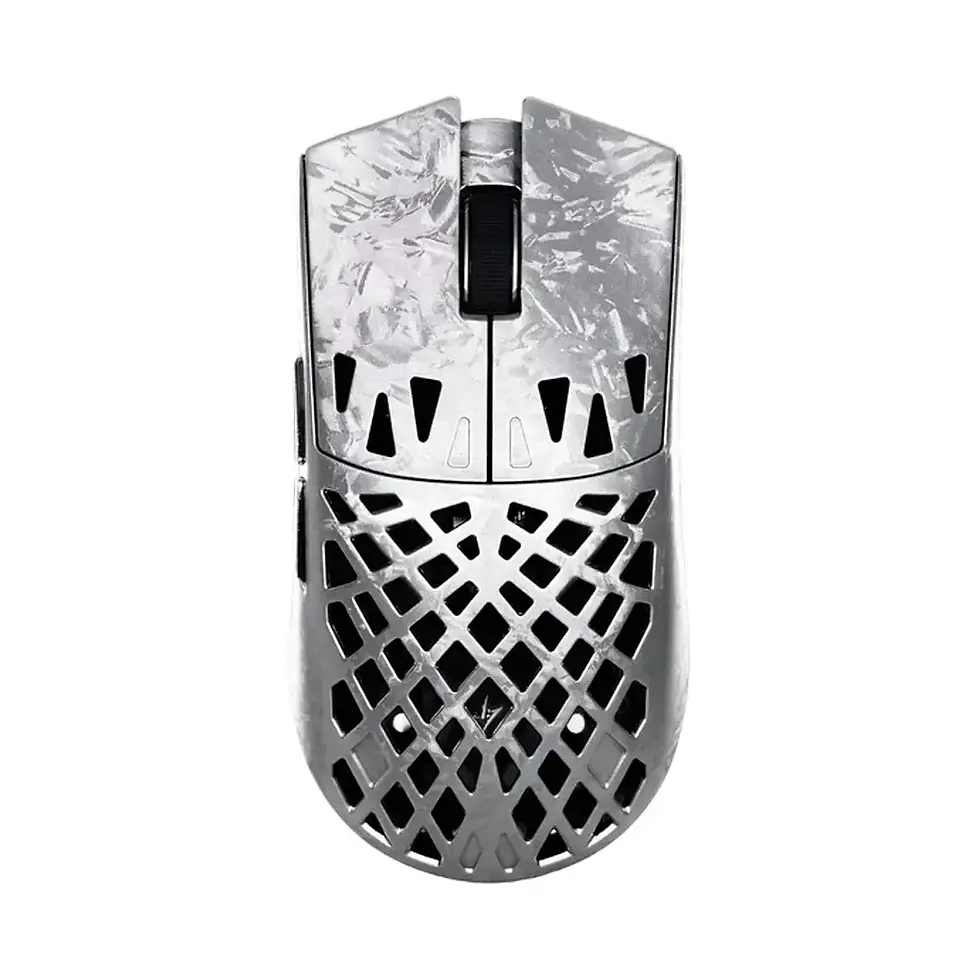
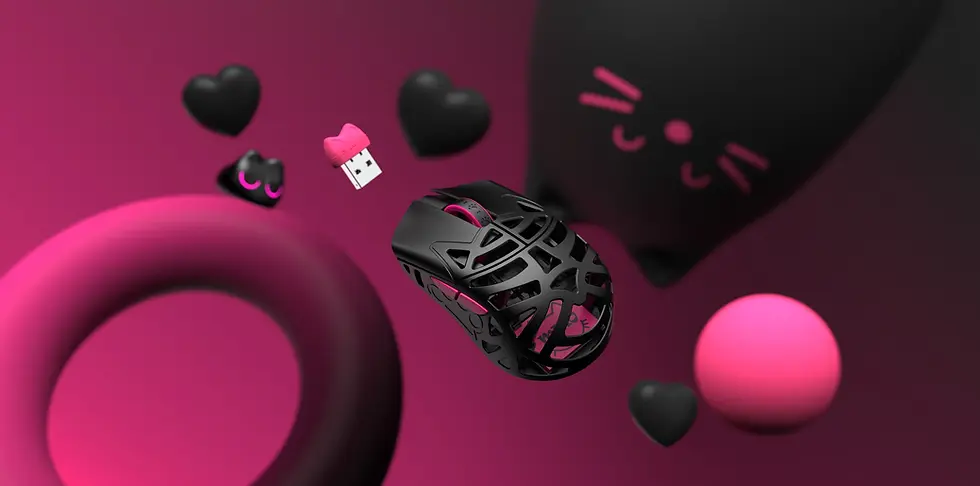
WLmouse: Ultralight Gaming Mice for Competitive Players
WLmouse is particularly relevant to gamers interested in lightweight designs, modern sensors and high-performance wireless technology.
The brand's Beast series has attracted attention among enthusiasts who prioritize low weight and competitive-focused construction.
If you are considering a WLmouse gaming mouse, compare the individual models carefully.
Pay attention to:
Shape and dimensions.
Weight and weight distribution.
Supported polling rates.
Wireless receiver requirements.
Battery life at your intended polling rate.
Surface and grip preferences.
Different WLmouse models and configurations may support different specifications. Do not assume that every model provides identical polling-rate capabilities.
For a player who already wants a lightweight WLmouse design, support for higher polling rates may be an attractive additional feature.
However, the shape should remain a central purchasing consideration.
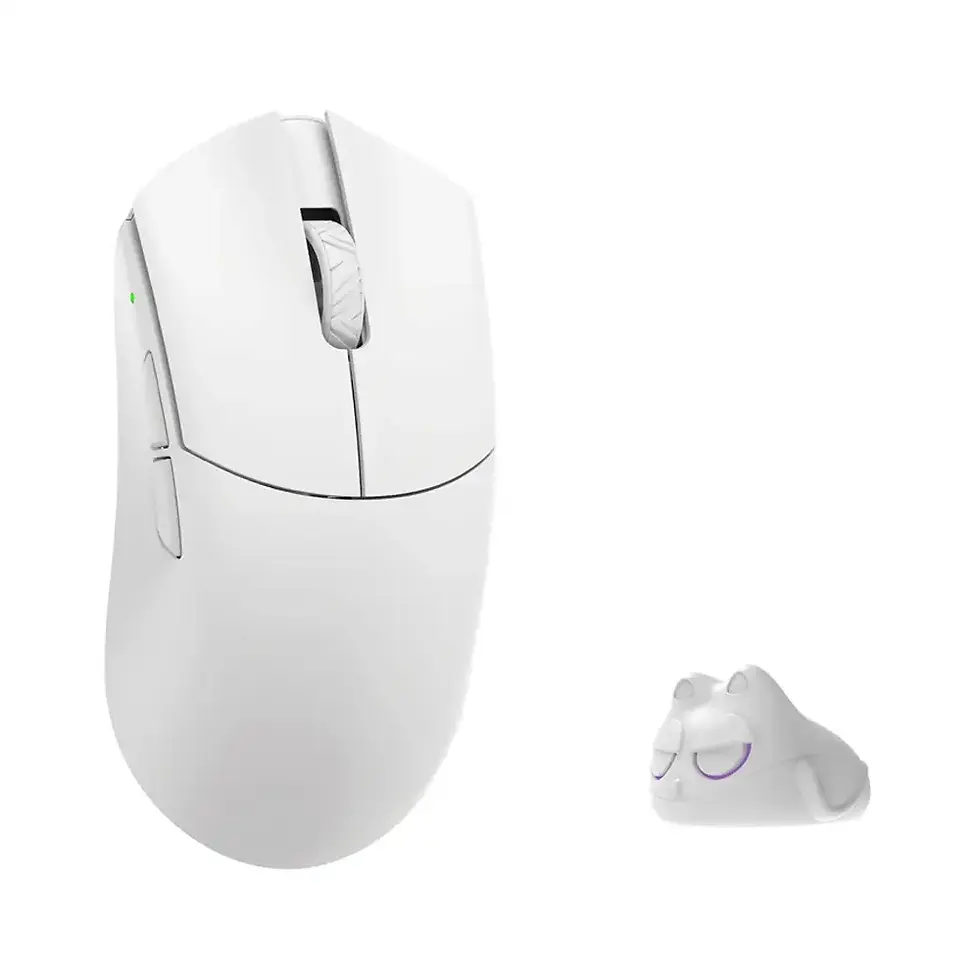
Pulsar: Competitive Gaming Mice With Different Shapes
Pulsar offers gaming mice designed around competitive performance, with models catering to different grip styles and hand sizes.
Its range includes ergonomic and symmetrical designs, making it relevant to players who prioritize finding the right shape.
When comparing Pulsar mice, look beyond the maximum DPI and polling-rate figures.
Consider how the shape supports your preferred grip and whether the particular model includes the wireless receiver needed for higher polling rates.
Some high-polling-rate configurations require compatible hardware or specific settings.
Always verify the exact model's specifications before purchasing.
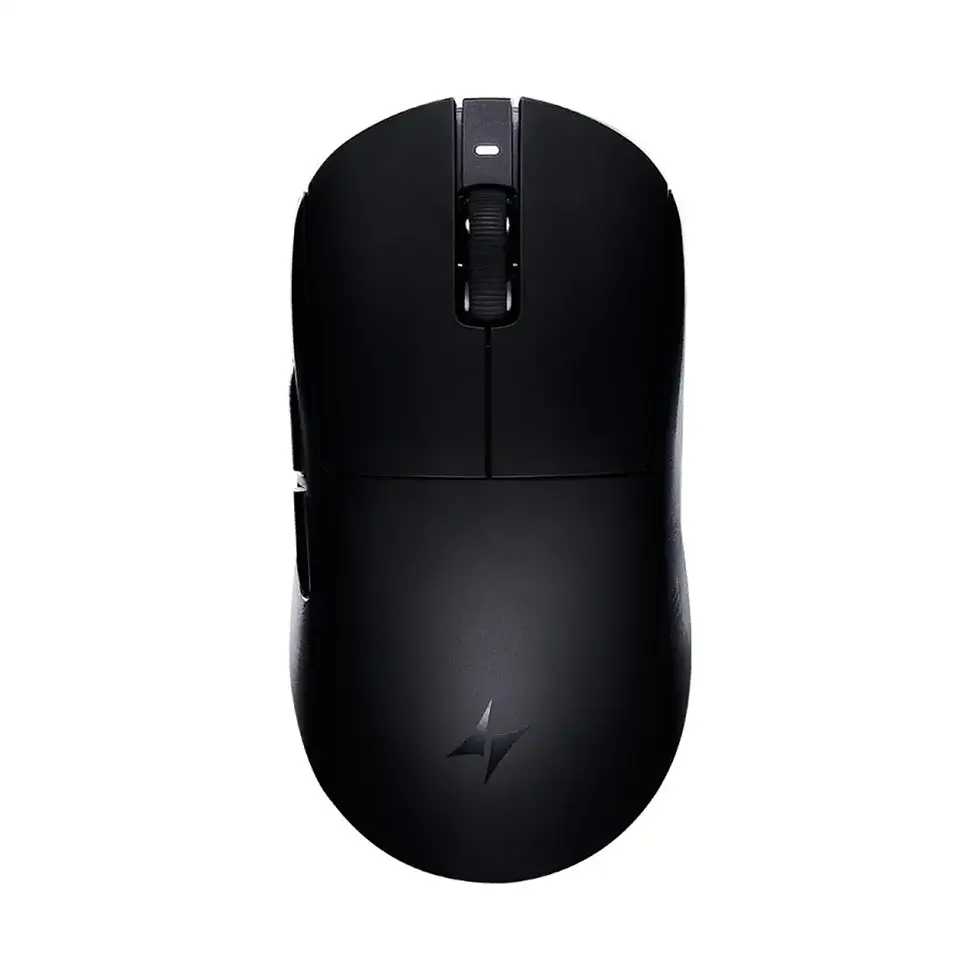
ATK: Performance-Focused Gaming Mouse Alternatives
ATK is another brand worth investigating when comparing modern competitive gaming mice.
Depending on the model, its mice may offer lightweight construction, advanced sensors and adjustable polling-rate options.
For buyers comparing ATK with WLmouse or Pulsar, the most useful questions are practical ones.
Which shape feels better for your hand?
Which mouse offers the weight and balance you prefer?
Does the package include the receiver needed for your desired polling rate?
How does battery life change when using higher settings?
These considerations are more informative than comparing maximum polling rates alone.
Where to Explore Gaming Mice
Browse Standesk to explore available gaming equipment and accessories.
When choosing between specific models, check their individual product pages for supported polling rates, included receivers and current availability.
A gaming mouse that supports 8K is not automatically the best option for every player. The right choice is the model whose overall design suits your needs.
How to Set Up an 8K Gaming Mouse Properly
Buying a mouse that supports 8,000Hz does not necessarily mean it will operate at that polling rate immediately.
Depending on the model, additional configuration may be required.
Step 1: Check Your Wireless Receiver
Some gaming mice require a specific compatible receiver to enable 4K or 8K wireless polling.
A standard receiver may support a lower maximum polling rate.
Check the manufacturer's documentation and confirm what is included with your mouse.
Step 2: Update the Firmware
Firmware updates may improve compatibility, stability or available settings.
Use the manufacturer's official configuration software or supported web-based utility.
Avoid unofficial firmware downloads.
Step 3: Select the Polling Rate
Open the mouse configuration utility and choose the desired polling rate.
Start with 1,000Hz to establish a baseline.
Then test 2,000Hz, 4,000Hz or 8,000Hz if those options are supported.
Step 4: Optimize Receiver Placement
For wireless mice, receiver placement can affect connection reliability.
Follow the manufacturer's recommendations regarding distance, USB ports and potential sources of wireless interference.
A compatible receiver positioned appropriately is generally preferable to one placed unnecessarily far from the mouse.
Step 5: Test Your Games
Launch the games you actually play.
Check for unusual stuttering, inconsistent movement or frame-time spikes.
Do not assume that successful operation on the desktop guarantees identical behavior in every game.
Step 6: Monitor Battery Life
Higher polling rates can increase power consumption.
Observe how often you need to recharge the mouse at different settings.
If 8K offers no noticeable benefit but significantly reduces your preferred charging interval, consider using 4K or 1K instead.
The 8K Gaming Mouse Buying Checklist
Before buying an expensive gaming mouse, ask yourself six questions.
Question | Why it matters |
Does the mouse shape suit my grip? | Comfort and control influence everyday performance. |
Is the weight appropriate for my preferences? | Lower weight isn't automatically better for everyone. |
Does the mouse have reliable sensor and click performance? | Consistency matters more than headline specifications. |
Is the required high-polling receiver included? | Some models require additional compatible hardware. |
What happens to battery life at 4K or 8K? | Maximum polling may substantially increase power consumption. |
Will I actually benefit from more than 1,000Hz? | Higher polling offers diminishing technical returns. |
If you can answer these questions confidently, you are in a much better position to choose the right mouse.
1K vs 4K vs 8K: Our Final Verdict
The gaming mouse industry has made impressive technical progress.
Modern lightweight wireless mice can offer excellent tracking, responsive clicks and extremely short reporting intervals.
8,000Hz polling is a genuine technological capability.
But it is also a feature whose practical benefits are easy to exaggerate.
Here is how we would approach the decision.
Choose 1,000Hz if: You want excellent responsiveness, broad compatibility and generally better battery efficiency. This remains the sensible default for most gamers.
Try 4,000Hz if: You own a compatible mouse, play competitive games and want to experiment with shorter reporting intervals without immediately using the maximum setting.
Try 8,000Hz if: You have a suitable high-performance setup, prioritize minimizing input-reporting delays and are willing to accept possible battery-life or compatibility trade-offs.
The important distinction is that 8K is not necessarily bad value.
A premium 8K mouse may be worth purchasing because of its shape, construction, sensor implementation and overall performance.
What is questionable is paying substantially more solely because the packaging says 8,000Hz.
The Bottom Line
An 8,000Hz gaming mouse is technically faster at reporting input—not automatically better at helping you aim.
For most players, a well-chosen 1,000Hz mouse will remain more than capable.
For enthusiasts and competitive players, 4K and 8K provide additional settings worth exploring.
The smartest approach is to prioritize mouse shape, control and reliable performance, then test higher polling rates on your own system.
Because in competitive gaming, the best specification is not always the biggest number.
It's the one that makes a meaningful difference to your experience.
Frequently Asked Questions About 8,000Hz Gaming Mice
1. Is an 8,000Hz gaming mouse worth it?
An 8,000Hz gaming mouse can be worth buying if you value its overall design, performance and adjustable polling-rate options. However, upgrading solely for 8K polling is unlikely to produce a noticeable improvement for most gamers. Mouse shape, weight, sensor quality and reliability should be considered first.
2. Is 8,000Hz better than 1,000Hz for gaming?
8,000Hz provides more frequent mouse reports and shorter reporting intervals than 1,000Hz. This is a measurable technical advantage, but it does not guarantee better aiming accuracy or competitive results. The practical benefit depends on your hardware, game and individual sensitivity to input differences.
3. Can you feel the difference between 1K and 8K polling?
Some players may notice smoother movement or differences in responsiveness, especially on high-refresh-rate systems. However, many players may struggle to distinguish the settings reliably. A blind comparison using consistent settings is more informative than relying on expectations.
4. Is 4,000Hz polling better than 8,000Hz?
Neither setting is universally better. 8,000Hz provides shorter reporting intervals, while 4,000Hz may offer a more practical balance between responsiveness, battery consumption and system overhead. Testing both settings on your own PC is the best way to determine which works better.
5. Does 8,000Hz polling improve aim?
Higher polling rates reduce the time between mouse reports, but there is no reliable basis for promising that switching to 8K will improve aim. Aiming performance depends heavily on mouse control, sensitivity, comfort, practice and game conditions.
6. Does 8K polling increase FPS?
No. Increasing mouse polling rate does not directly increase graphics performance or FPS. In some games and system configurations, very high polling rates may contribute to additional processing overhead or frame-time instability.
7. Can 8,000Hz polling cause stuttering?
Yes, in certain configurations. Some games, drivers and hardware combinations may process very high-frequency mouse input inefficiently. If you experience stuttering at 8K, test 4K or 1K while keeping other settings unchanged.
8. Does 8K polling drain mouse battery faster?
Generally, yes. Higher wireless polling rates typically require more frequent communication and greater power consumption. The actual battery-life difference depends on the mouse model, firmware and power-management features.
9. Do you need a 360Hz monitor for an 8K mouse?
No. An 8K mouse can work with lower-refresh-rate monitors. However, high-refresh-rate displays and consistently high game frame rates may make small input-timing improvements easier to observe. A 360Hz monitor does not make 8K mandatory.
10. What polling rate do professional CS2 players use?
Professional players use different mice and settings, and their configurations change over time. There is no single polling rate required for professional CS2. Rather than copying a setting without context, consider your own mouse, PC performance and preferences.
11. Is 8K polling good for VALORANT?
8K polling can work well in VALORANT on a compatible system, but it does not guarantee improved aim or a higher rank. Start with a reliable baseline such as 1,000Hz, then compare higher settings for smoothness and frame-time consistency.
12. Is 8K polling better for wireless or wired mice?
Both wired and wireless mice can support high polling rates. Actual performance depends on the individual mouse's implementation, connection reliability, firmware and receiver configuration. A wired connection is not automatically superior to a well-designed wireless gaming mouse.
13. Do I need a special USB dongle for 8K polling?
Some wireless gaming mice require a compatible high-polling-rate receiver. Others may include the necessary receiver in the package. Always check the specific product's requirements before purchasing.
14. What is the best polling rate for gaming in 2026?
For most gamers, 1,000Hz remains an excellent starting point. Competitive enthusiasts can experiment with 4,000Hz or 8,000Hz if their mouse and system support those settings. The best choice is the one that provides stable performance without unnecessary trade-offs.
Final Thoughts: Don't Buy a Gaming Mouse Based on One Number
The jump from 1,000Hz to 8,000Hz is an impressive technical development.
But the difference between a technically faster mouse and a better gaming experience is not always straightforward.
If you already own a high-quality 1,000Hz gaming mouse, there is no urgent reason to replace it simply because newer models advertise 8K.
If you're shopping for a new mouse, choosing one that supports 4K or 8K can provide additional flexibility and access to modern technology.
Just don't let polling rate distract you from the characteristics that affect every movement you make.
Shape. Comfort. Control. Reliability.
Those are the foundations of a good gaming mouse.
Explore gaming equipment and accessories at Standesk.eu and compare the features that matter for your setup.


















Comments