
Is 8000 Hz Polling Rate Worth It for Gaming in 2026? 1000 vs 2000 vs 4000 vs 8000 Hz Explained

If you're shopping for a new gaming mouse in 2026, you've probably noticed that almost every premium model now advertises 4000 Hz or 8000 Hz polling. Manufacturers often present higher polling rates as a major upgrade, leading many gamers to believe that choosing an 8000 Hz mouse will instantly improve their aim and reaction time.
The reality is more nuanced.
A higher polling rate does reduce input latency, but it is not the first specification you should prioritise. Mouse shape, comfort, sensor implementation, monitor refresh rate, CPU performance and even your favourite games all influence whether higher polling rates deliver a noticeable improvement.
For the vast majority of gamers, 1000–4000 Hz provides the best balance of performance, compatibility, battery life and real-world responsiveness. While 8000 Hz certainly has its place, it benefits a much smaller audience than marketing materials often suggest.
In this guide, you'll learn exactly what polling rate does, when higher values make a measurable difference, which setting is best for different games, and whether upgrading to an 8000 Hz gaming mouse is worth your money.
Should You Buy an 8000 Hz Polling rate Gaming Mouse in 2026?
For most gamers, the answer is no.
If you own a modern gaming mouse with 1000 Hz or 4000 Hz polling, you're already using hardware capable of delivering outstanding responsiveness in competitive games.
An 8000 Hz polling rate can reduce input latency even further, but the improvement is relatively small and only becomes meaningful when combined with:
A high-refresh-rate gaming monitor (360 Hz or higher)
A powerful modern CPU
A well-optimised gaming system
Competitive-level gameplay where every fraction of a millisecond matters
For everyone else, investing in a better mouse shape, a higher-quality mouse pad or a faster monitor will usually produce a much larger improvement than increasing polling rate alone.
We'll explain why throughout this guide.
What Does Mouse Polling Rate Actually Mean?
Mouse polling rate describes how often your gaming mouse sends its position to your computer every second.
The value is measured in Hertz (Hz).
For example:
Polling Rate | Reports Sent Every Second | Report Interval |
125 Hz | 125 | 8 ms |
250 Hz | 250 | 4 ms |
500 Hz | 500 | 2 ms |
1000 Hz | 1,000 | 1 ms |
2000 Hz | 2,000 | 0.5 ms |
4000 Hz | 4,000 | 0.25 ms |
8000 Hz | 8,000 | 0.125 ms |
The higher the polling rate, the more frequently your mouse updates its position.
This can produce smoother cursor movement and slightly lower input latency, especially when paired with high-refresh-rate gaming monitors.
However, there's an important point many marketing pages fail to explain:
The improvement becomes smaller with every increase.
Moving from 125 Hz to 1000 Hz reduces the report interval by 7 milliseconds.
Moving from 1000 Hz to 8000 Hz reduces it by only 0.875 milliseconds.
That's still a measurable improvement—but it's far less dramatic than the numbers alone suggest.
Why Is Polling Rate Suddenly a Big Topic?
Only a few years ago, nearly every gaming mouse used 1000 Hz polling.
Today, many premium models from brands like Lamzu, ATK, WLMouse, Pulsar, Razer and Logitech G support 4000 Hz or 8000 Hz, making higher polling rates one of the biggest talking points in the gaming peripheral industry.
There are several reasons for this shift.
Gaming monitors now reach 360 Hz, 480 Hz and even 500 Hz+, making extremely fast input devices more relevant than before. At the same time, newer wireless technologies, flagship sensors and more powerful microcontrollers have made higher polling rates technically possible without sacrificing overall reliability.
As a result, many gamers naturally assume that 8000 Hz must be significantly better than 1000 Hz.
The truth is more complicated.
While higher polling rates can improve responsiveness, they also introduce trade-offs such as increased CPU usage, reduced battery life and diminishing real-world returns. Whether those trade-offs are worthwhile depends entirely on your hardware and the games you play.
Does a Higher Polling Rate Improve Your Aim?
Not directly.
A higher polling rate allows your mouse to communicate with your PC more frequently, but it doesn't automatically make you more accurate.
A player using a comfortable gaming mouse that perfectly fits their hand at 1000 Hz will almost always outperform someone using an uncomfortable 8000 Hz mouse.
That's because aim is influenced by many factors beyond polling rate, including:
Mouse shape
Grip style
Hand size
Mouse weight
Sensor quality
Mouse pad surface
Monitor refresh rate
Practice and muscle memory
Polling rate should therefore be viewed as a performance refinement, not a shortcut to better aim.
For most players, choosing the right gaming mouse has a much greater impact than selecting the highest polling rate.
What Matters More Than Polling Rate?
When comparing gaming mice, many buyers immediately focus on specifications like DPI or polling rate.
Experienced competitive players usually prioritise something different.
A good purchasing order looks like this:
Mouse shape and ergonomics
Comfort during long gaming sessions
Sensor performance
Build quality
Mouse weight
Switch feel
Polling rate
This explains why many professional esports players still use mice configured at 1000 Hz despite owning hardware capable of running much higher polling rates.
The right shape helps you build consistent muscle memory. A high-quality sensor ensures reliable tracking. Comfortable ergonomics reduce fatigue during long gaming sessions.
Only after those fundamentals are in place does polling rate become an important consideration.
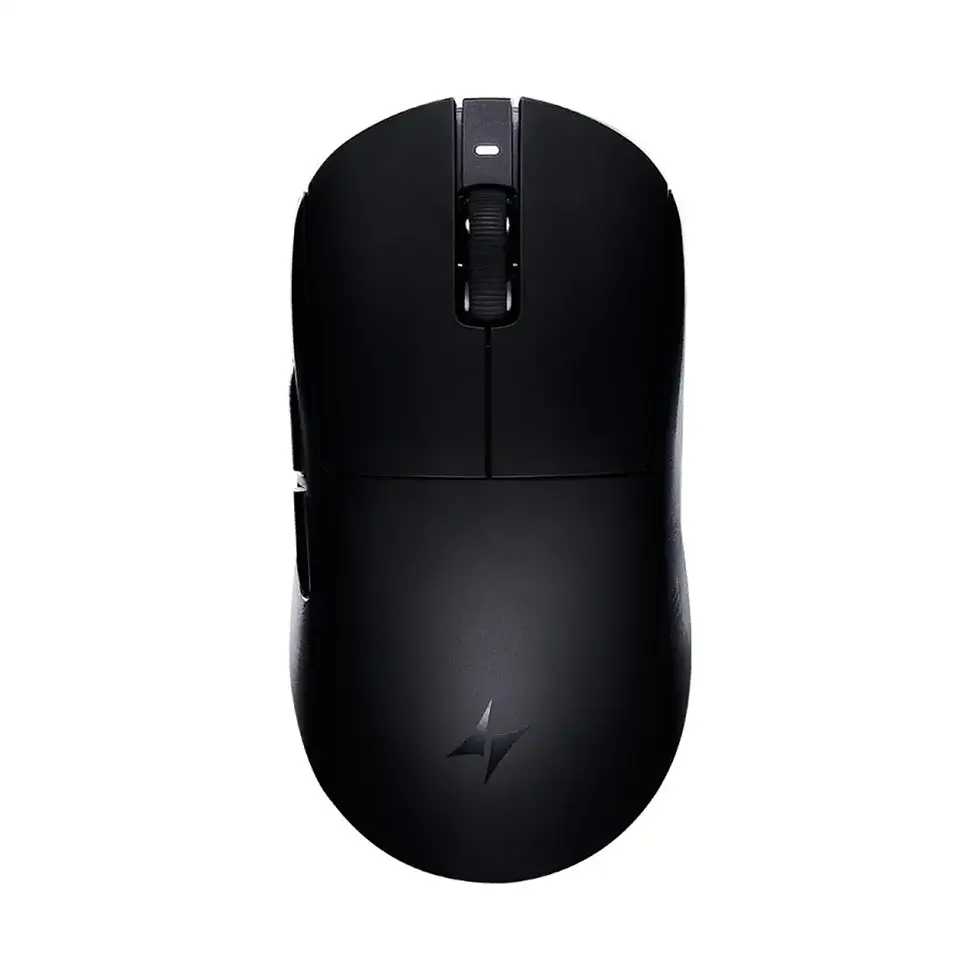
Gaming Mice Worth Considering
If you're planning to upgrade your gaming mouse after reading this guide, these models offer excellent performance across different budgets and play styles.
Premium Ergonomic Gaming Mice
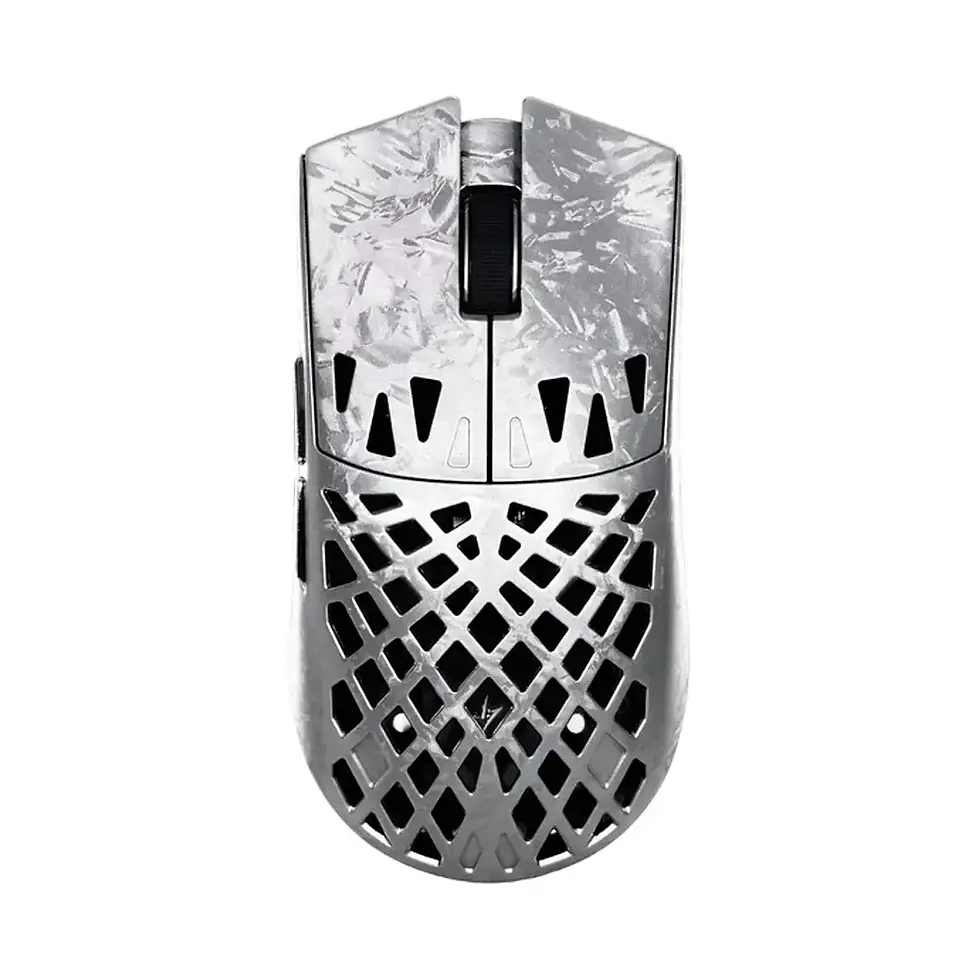
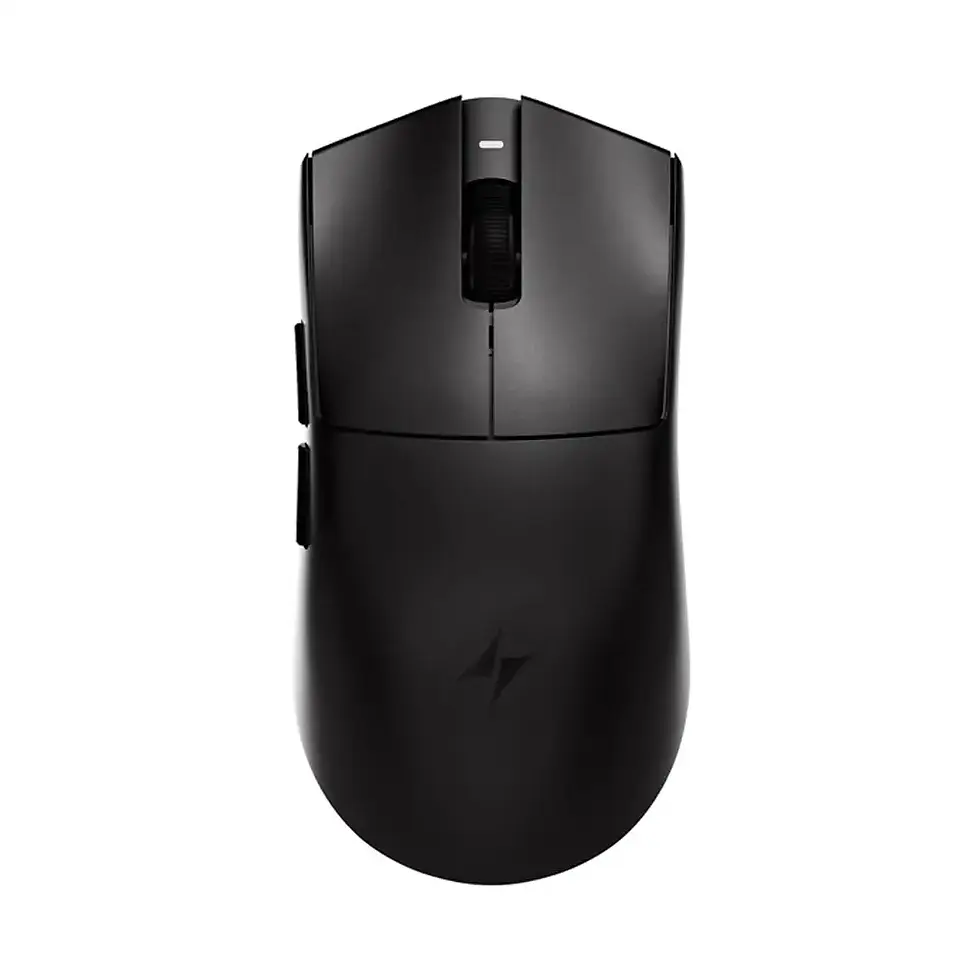
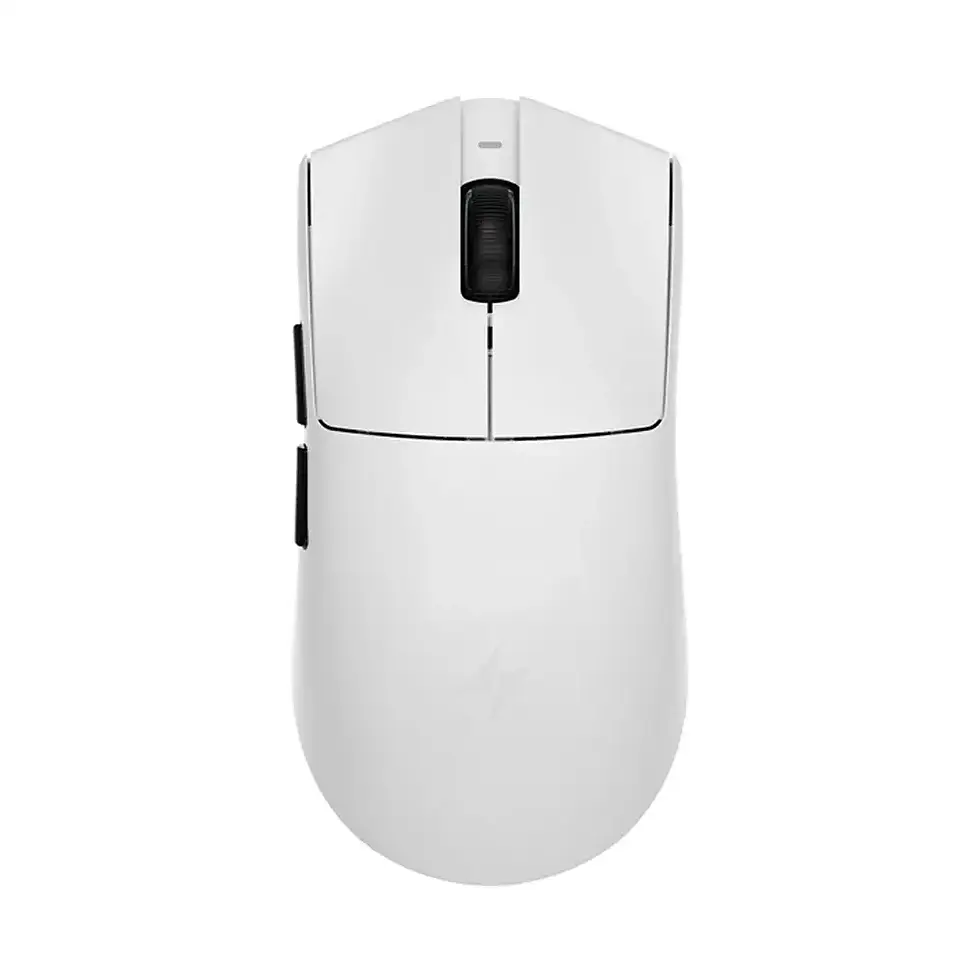
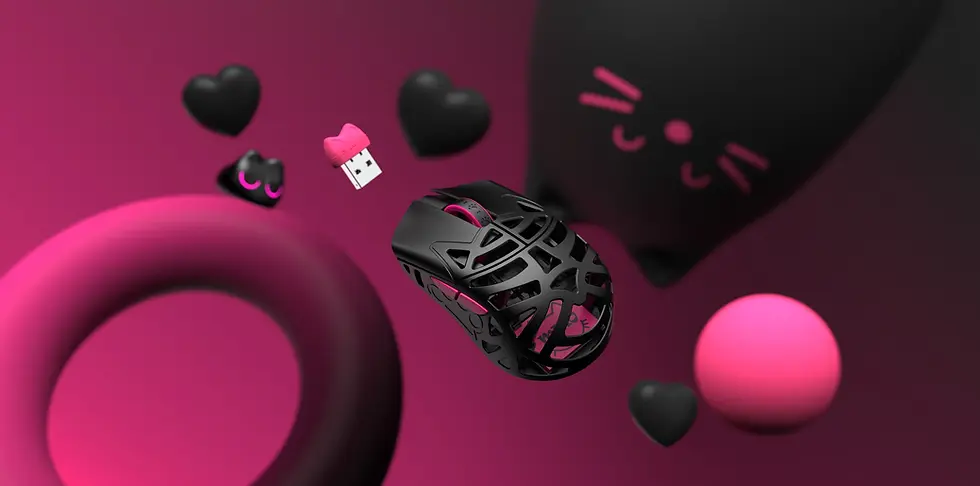
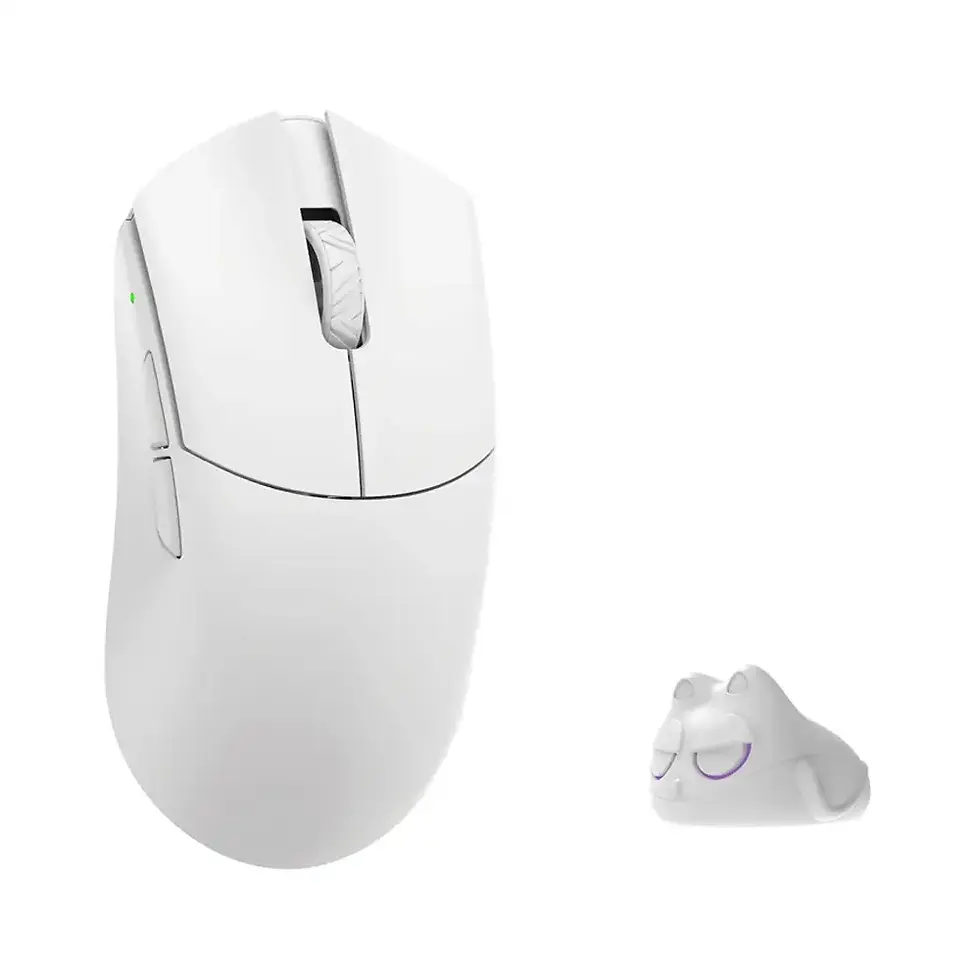
Lightweight Symmetrical Gaming Mice
Ultra-Light Competitive Gaming Mice
No matter which model you choose, remember this:
A gaming mouse that perfectly fits your hand at 1000 Hz will usually outperform an uncomfortable mouse running at 8000 Hz.
That's why shape, comfort and consistency remain the foundation of competitive gaming performance.
Is 1000 Hz Still Good Enough for Gaming?
Yes. In fact, 1000 Hz remains the best choice for many gamers in 2026.
Modern gaming mice running at 1000 Hz already provide extremely low input latency and excellent responsiveness. If you play on a 144 Hz or 240 Hz monitor, the real-world difference between 1000 Hz and 8000 Hz is often difficult to notice during normal gameplay.
This is why many professional players continue using 1000 Hz despite owning mice capable of much higher polling rates. Stability, consistency and comfort often matter more than chasing the highest specification.
If you're happy with your current gaming mouse, upgrading purely for an 8000 Hz polling rate is unlikely to transform your performance.
Is 4000 Hz the New Sweet Spot?
For many competitive gamers, yes.
A 4000 Hz polling rate offers an excellent balance between responsiveness, compatibility, battery life and CPU usage.
Compared to 8000 Hz, it places less demand on your system while still delivering smoother cursor updates and lower latency than 1000 Hz. For players using modern gaming PCs and monitors running at 240 Hz, 360 Hz or higher, 4000 Hz is often the most practical choice.
If you're buying a premium gaming mouse in 2026, choosing a model that supports 4000 Hz gives you plenty of performance today while leaving room to experiment with higher polling rates in the future.
Does 8000 Hz Increase CPU Usage?
Yes.
An 8000 Hz gaming mouse sends eight times as many reports to your computer as a standard 1000 Hz mouse. Your CPU has to process those additional updates, increasing processor workload.
On modern gaming systems with recent CPUs, this usually isn't a problem.
However, on older PCs or systems already operating close to full utilisation, higher polling rates can contribute to:
Increased CPU usage
Occasional frame-time spikes
Reduced gaming performance in CPU-limited scenarios
Inconsistent mouse responsiveness in poorly optimised games
This doesn't mean 8000 Hz is "bad"—only that your hardware needs to be capable of taking advantage of it.
Does 8000 Hz Reduce Battery Life?
Generally, yes.
Wireless gaming mice consume more power when communicating with the receiver more frequently.
As polling rate increases:
Battery life decreases.
The wireless receiver and mouse remain active more often.
Recharge intervals become shorter.
Many gaming mice allow you to switch between 1000 Hz, 2000 Hz, 4000 Hz and 8000 Hz depending on what you're doing.
For everyday gaming, many players choose 1000 Hz or 4000 Hz and only enable 8000 Hz when they want maximum competitive performance.
Does Your Monitor Refresh Rate Matter?
Absolutely.
One of the biggest misconceptions is that every player benefits equally from higher polling rates.
In reality, your monitor plays an important role.
144 Hz Monitor
A 1000 Hz polling rate is already more than sufficient for most players.
If you're still gaming on a 144 Hz display, upgrading to a faster monitor or a better gaming mouse shape will almost certainly have a greater impact than increasing polling rate.
240 Hz Monitor
At 240 Hz, the advantages of 2000 Hz or 4000 Hz begin to make more sense, particularly for competitive FPS games.
While the difference isn't dramatic, cursor movement can appear slightly smoother during rapid flicks and tracking.
360 Hz and Higher
Players using 360 Hz, 480 Hz or 500 Hz gaming monitors are the audience most likely to benefit from higher polling rates.
At these refresh rates, every reduction in input latency becomes more meaningful, especially for experienced competitive players.
Even so, 4000 Hz often provides an excellent balance between responsiveness and efficiency.
Best Polling Rate for Popular Games
Different games place different demands on your hardware. While there isn't a universal setting that suits everyone, these recommendations provide an excellent starting point.
Game | Recommended Polling Rate | Why |
Counter-Strike 2 | 2000–4000 Hz | Excellent balance of responsiveness and stability. |
VALORANT | 2000–4000 Hz | Precise micro-adjustments without unnecessary CPU load. |
Apex Legends | 4000 Hz | Smooth tracking benefits fast-paced movement. |
Rainbow Six Siege | 2000–4000 Hz | Reliable performance during tactical gameplay. |
Call of Duty | 2000–4000 Hz | Good compromise for multiplayer and Warzone. |
PUBG: Battlegrounds | 1000–4000 Hz | Shape and consistency matter more than maximum polling. |
These recommendations assume a modern gaming PC. If your system struggles with CPU performance, lowering polling rate may provide a smoother overall experience.
Common Polling Rate Myths
Myth: 8000 Hz Automatically Makes You a Better Player
Reality: Higher polling rate reduces input latency, but it doesn't replace good aim, positioning or practice.
Myth: 1000 Hz Is Outdated
Reality: 1000 Hz remains an excellent choice and is still widely used by competitive players around the world.
Myth: Polling Rate Is More Important Than Mouse Shape
Reality: Shape has a much greater influence on comfort, consistency and long-term performance than polling rate alone.
Myth: Everyone Should Use 8000 Hz
Reality: Only players with suitable hardware and very high refresh rate monitors are likely to benefit consistently from 8000 Hz.
Expert Tip
If you have a limited upgrade budget, prioritise improvements in this order:
A gaming mouse that fits your hand and grip style.
A premium gaming mouse pad.
A high-refresh-rate gaming monitor.
Better ergonomics and desk setup.
Higher polling rates.
For most gamers, these upgrades will deliver noticeably greater improvements than switching directly from 1000 Hz to 8000 Hz.
Which Gaming Mouse Should You Buy?
Choosing the right gaming mouse is about far more than selecting the highest polling rate. Shape, comfort, weight and overall build quality will have a much greater impact on your performance over months or years of gaming.
Below are some excellent options depending on your priorities.
Best Ergonomic Gaming Mice
If you prefer a right-handed ergonomic shape designed for long gaming sessions:
Lamzu Thorn V2 – Premium ergonomic gaming mouse with flagship hardware and native 8000 Hz support.
ATK Blazing Sky X1 V2 Ultimate 2.0+ – Lightweight ergonomic alternative offering outstanding value and competitive performance.
Recommended for:
Palm grip
Relaxed claw grip
Long competitive sessions
Counter-Strike 2
VALORANT
Rainbow Six Siege
Best Lightweight Symmetrical Gaming Mice
If you prefer symmetrical designs suitable for multiple grip styles:
Recommended for:
Claw grip
Fingertip grip
Low-sensitivity aiming
Fast flick shots
Best Ultra-Light Gaming Mice
If reducing weight is your priority:
These mice are ideal for players who frequently lift and reposition their mouse while aiming.
Final Verdict
After comparing 1000 Hz, 2000 Hz, 4000 Hz and 8000 Hz, one conclusion becomes clear.
For most gamers in 2026, the best overall choice is 1000–4000 Hz.
It offers:
Excellent responsiveness
Broad compatibility
Lower CPU usage
Better battery life
Outstanding performance in modern competitive games
An 8000 Hz polling rate is still an impressive technological achievement and can provide measurable benefits for enthusiasts using high-refresh-rate monitors and powerful PCs. However, for the majority of players, the difference is relatively small compared with choosing the right mouse shape, improving ergonomics or upgrading to a faster display.
When selecting your next gaming mouse, prioritise:
Shape
Comfort
Sensor quality
Weight
Build quality
Polling rate
Following this order will almost always lead to a better gaming experience than focusing on specifications alone.
Frequently Asked Questions
What is the best polling rate for gaming in 2026?
For most players, 1000–4000 Hz provides the best balance between responsiveness, compatibility, battery life and CPU usage.
Is 1000 Hz still good enough?
Yes. A quality gaming mouse running at 1000 Hz remains an excellent choice for competitive gaming.
Is 8000 Hz worth buying?
It depends on your hardware.
Players using modern high-refresh-rate monitors and powerful gaming PCs may benefit from 8000 Hz, while most gamers will see little practical difference compared with 4000 Hz.
Does 8000 Hz improve aim?
Not directly.
Higher polling rates reduce input latency but do not replace good technique, consistent practice or a comfortable mouse shape.
Can you feel the difference between 1000 Hz and 8000 Hz?
Some experienced players can notice smoother cursor updates on modern systems with high-refresh-rate monitors.
For many gamers, however, the difference is subtle.
Does 8000 Hz increase CPU usage?
Yes.
Higher polling rates generate more reports every second, increasing CPU workload compared with lower polling rates.
Does 8000 Hz reduce battery life?
Yes.
Wireless gaming mice generally consume more power at higher polling rates.
Is 4000 Hz better than 8000 Hz?
Not necessarily.
For many gamers, 4000 Hz offers a better balance between responsiveness, efficiency and compatibility.
Does monitor refresh rate affect polling rate benefits?
Yes.
Players using 360 Hz or higher monitors are more likely to notice improvements from higher polling rates than those using 144 Hz displays.
What matters more than polling rate?
Mouse shape, ergonomics, sensor implementation, mouse pad quality, monitor refresh rate and consistent practice all have a greater influence on gaming performance.
Should I upgrade my current gaming mouse just for 8000 Hz?
Probably not.
If your current mouse fits your hand well and performs reliably, upgrading solely for a higher polling rate is unlikely to produce a dramatic improvement.
Which games benefit most from higher polling rates?
Fast-paced competitive titles such as:
Counter-Strike 2
VALORANT
Apex Legends
Rainbow Six Siege
Call of Duty
may benefit slightly from higher polling rates on suitable hardware.
Which gaming mice support high polling rates?
Many premium gaming mice now support 4000 Hz or 8000 Hz, including selected models from Lamzu, ATK, WLMouse, Pulsar, Logitech G and Razer.
Related Guides
If you're building or upgrading your gaming setup, these guides may also help:
Recommended Categories
Explore more gaming gear at Standesk:



















Comments